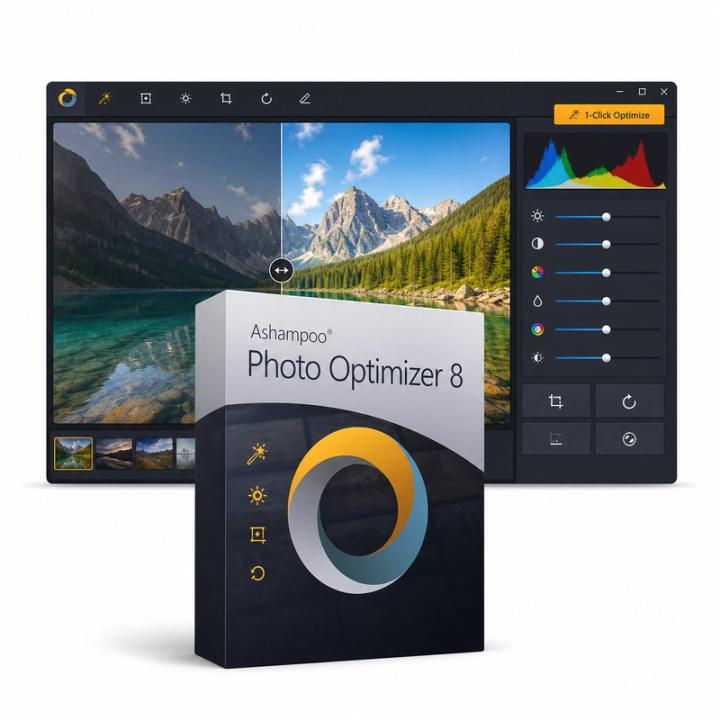
Ashampoo Photo Optimizer 8 — Windows, 2 Devices, Lifetime, Global
Dostępny
Płacąc przez Apple Pay lub Google Pay: Wyraźnie żądam dostarczenia klucza natychmiast po płatności i przyjmuję do wiadomości, że z chwilą dostarczenia tracę 14-dniowe prawo odstąpienia od umowy. Dopóki nie pokażę klucza, mogę nadal poprosić o zwrot pieniędzy, a gwarancja dostawy obejmuje klucze, które nie działają.
Sprzedawca: Get it Cheap, LLC · Czy to legalne?
- Klucz na Twoim koncieDostarczany automatycznie po potwierdzeniu płatności.
- Instrukcja instalacjiInstalacja i aktywacja krok po kroku, obok klucza.
- Nie aktywuje się?Zgłoś w ciągu 14 dni, a wymienimy go lub zwrócimy pieniądze · Polityka zwrotów
Przegląd
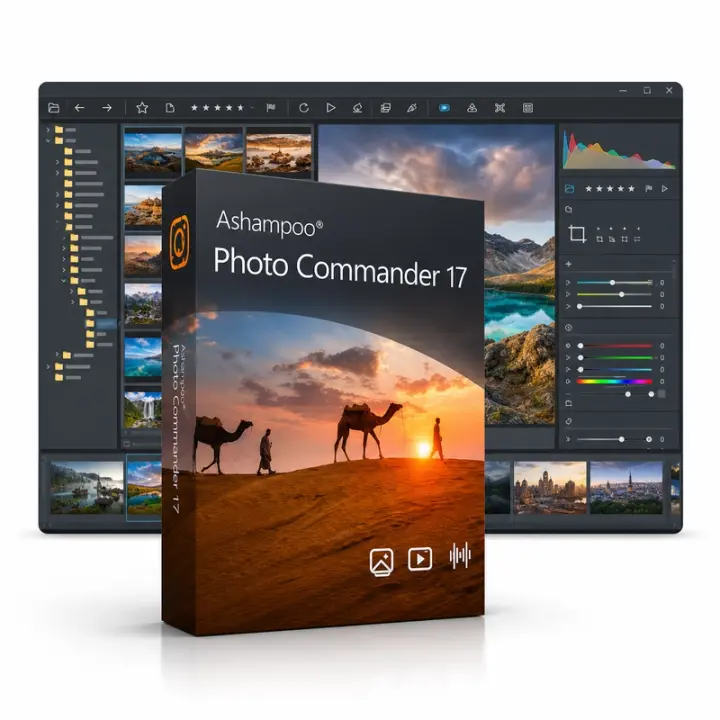
For straightforward photo corrections with an automatic starting point and room for manual adjustment. Ashampoo Photo Optimizer 8 improves photos automatically with one click, correcting exposure, contrast, colour temperature and sharpness, and offers manual controls for noise reduction, perspective correction, red-eye removal, cropping and rotation. Several photos can be optimised in one batch, and a before/after view compares the result with the original. Automatic optimisation offers a quick starting point when a photograph looks dull, uneven or otherwise needs basic improvement. Manual adjustments then provide a way to change the result according to the image’s intended appearance. Cropping can remove distracting edges, while rotation corrects orientation or framing. This is useful when preparing personal photographs or a group of images for sharing and you want a direct correction workflow rather than a complex design workspace. An automatic result is a suggestion, not an objective definition of how the picture should look. Compare colours, skin tones and contrast with the original, especially when the photograph has an intentional lighting mood. Keep a source copy and inspect the image at its intended output size. Features differ between the named releases, so newer tools should not be assumed. This offer is a lifetime licence for two Windows devices.
Funkcje
- One-click auto optimisation
- Noise reduction and colour temperature
- Perspective correction
- Red-eye removal, crop and rotate
- Batch optimisation
Specyfikacje
- Platforma
- Windows
- Urządzenia
- 2 PC
- Ograniczenia regionalne
- Cały świat
- Czas trwania
- Dożywotnia
Global oznacza, że sprzedajemy ten klucz bez blokady regionalnej. Wydawca może jednak ograniczyć użycie w niektórych krajach na podstawie własnych warunków.
Dożywotnia oznacza, że licencja nie wygasa. Nie oznacza, że wydawca nadal aktualizuje lub wspiera tę wersję – to może skończyć się wcześniej.
FAQ
Jakie metody płatności akceptujecie?
Akceptujemy popularne karty kredytowe i debetowe przez Stripe. PayPal jest też dostępny, gdy oferujemy go przy płatności. Nie widzimy ani nie przechowujemy pełnego numeru Twojej karty.
Czy mogę dostać fakturę?
Tak. Otwórz zamówienie w sekcji Twoje zamówienia i pobierz fakturę w PDF.
Czy istnieją ograniczenia regionalne?
Niektóre produkty działają tylko w określonych regionach. Strona produktu podaje to pod ceną i w zakładce Specyfikacje. W razie wątpliwości napisz do obsługi klienta przed zakupem.
Kiedy otrzymam zwrot pieniędzy?
Po zatwierdzeniu zwrotu wysyłamy go w ciągu 48 godzin. To, kiedy zwrot pojawi się na wyciągu, zależy od Twojego banku lub wydawcy karty – zwykle trwa to kilka dni roboczych.
Jak skontaktować się z pomocą?
Po zalogowaniu otwórz zgłoszenie w sekcji Pomoc na koncie lub na stronie zamówienia przyciskiem „Napisz do obsługi klienta”. Podaj numer zamówienia i opis sytuacji. Odpowiadamy e-mailem.
Co podać w zgłoszeniu do pomocy?
Numer zamówienia, nazwę produktu, opis tego, co się działo, i zrzut ekranu ewentualnego błędu. Im więcej wiemy, tym szybciej pomożemy.