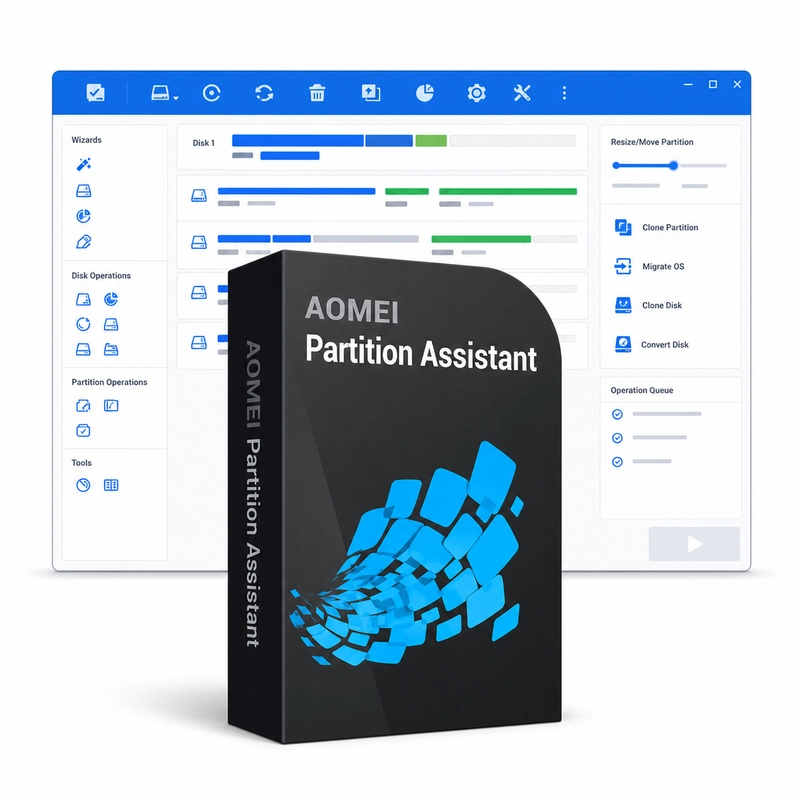
AOMEI Partition Assistant
In stock
Sold by Get it Cheap, LLC · Is this legit?
- Key in your accountDelivered automatically once payment is confirmed.
- Setup guideStep-by-step installation and activation, next to your key.
- Won’t activate?Report it within 14 days and we replace or refund it · Refund Policy
Overview
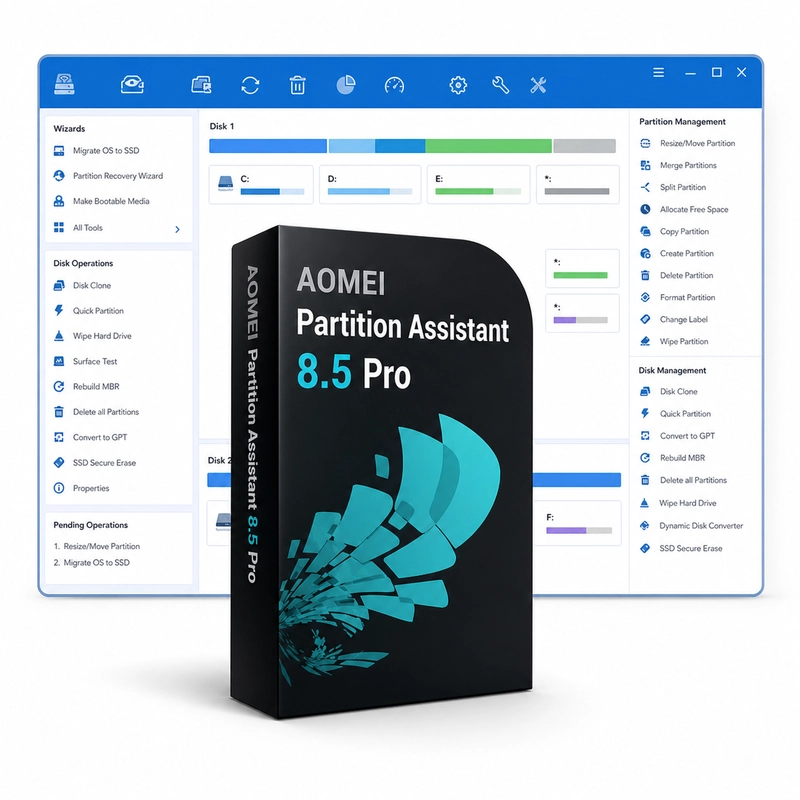
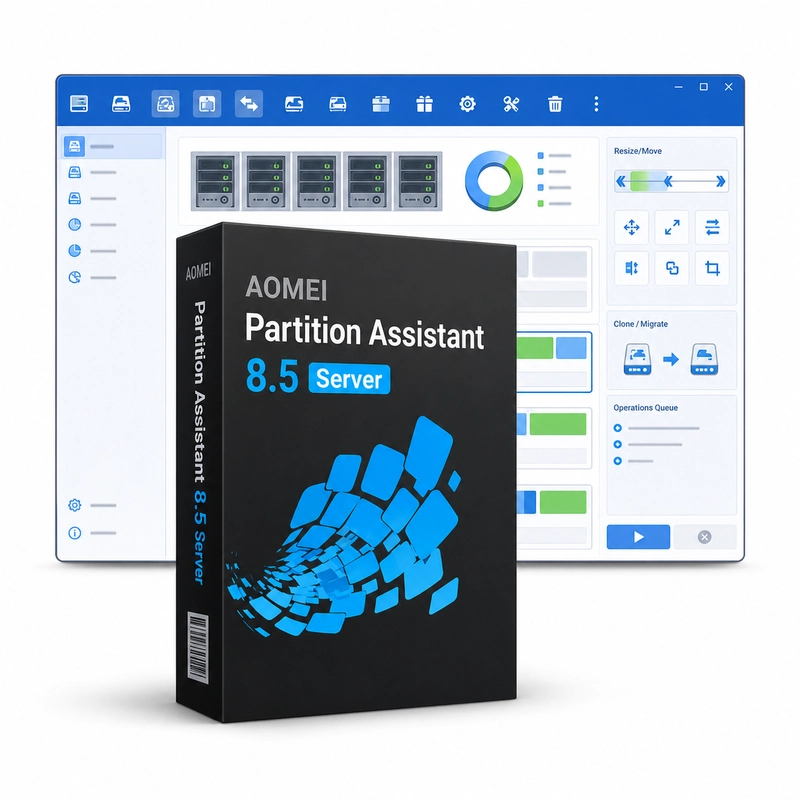
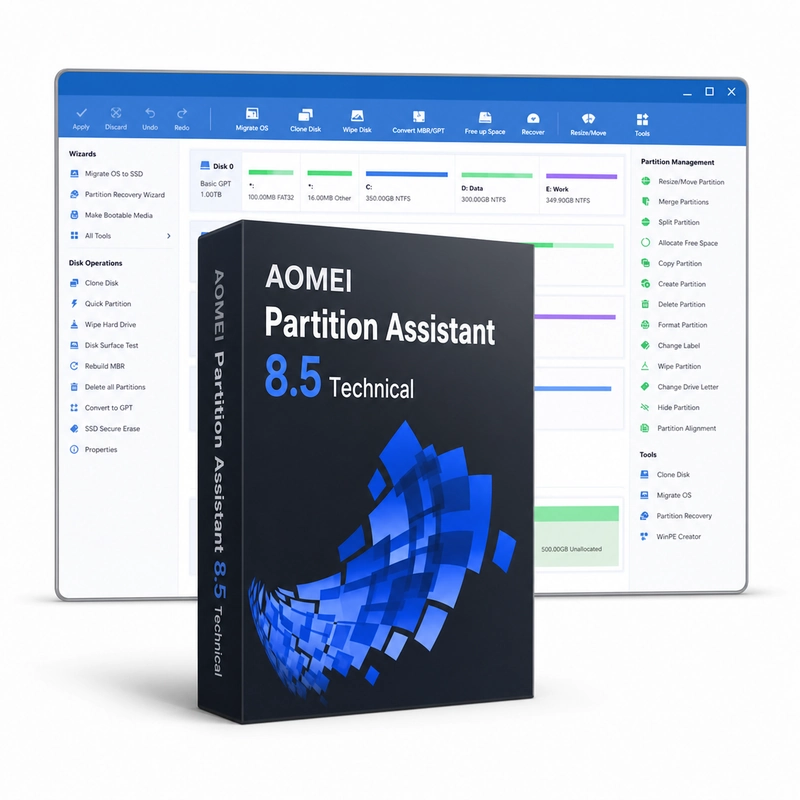
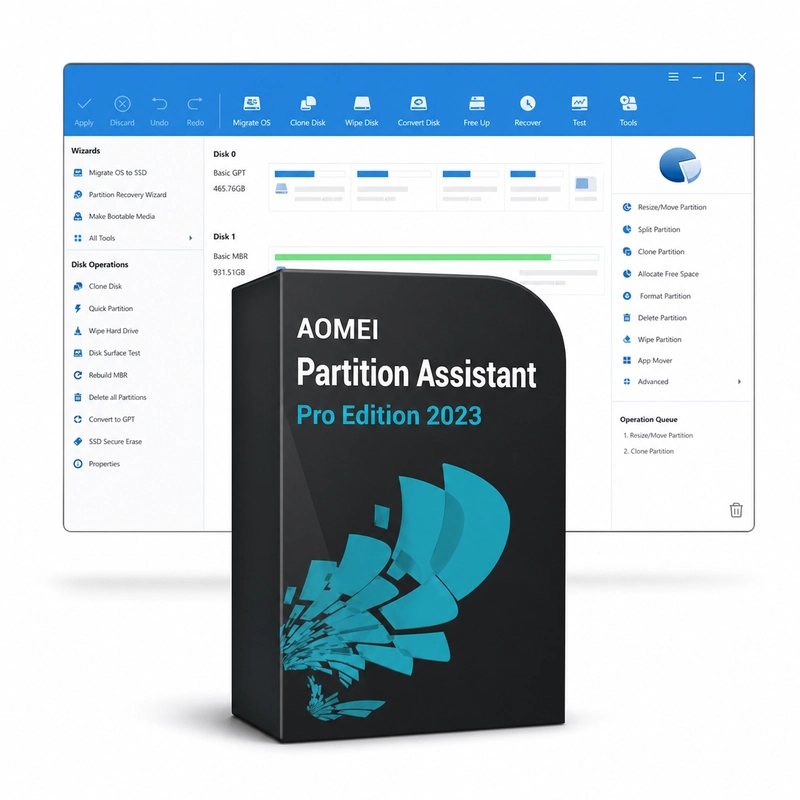
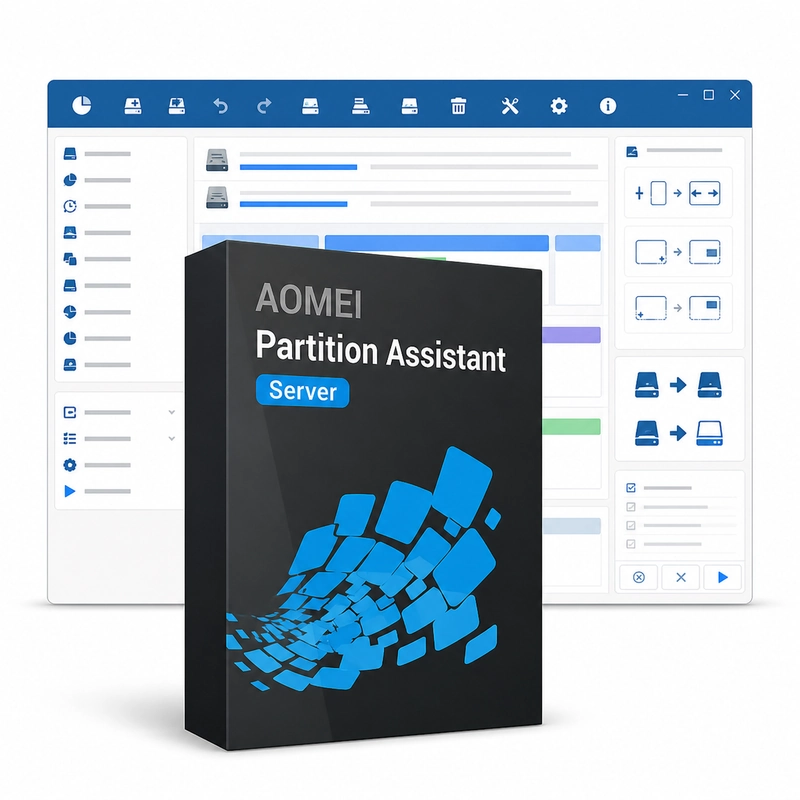
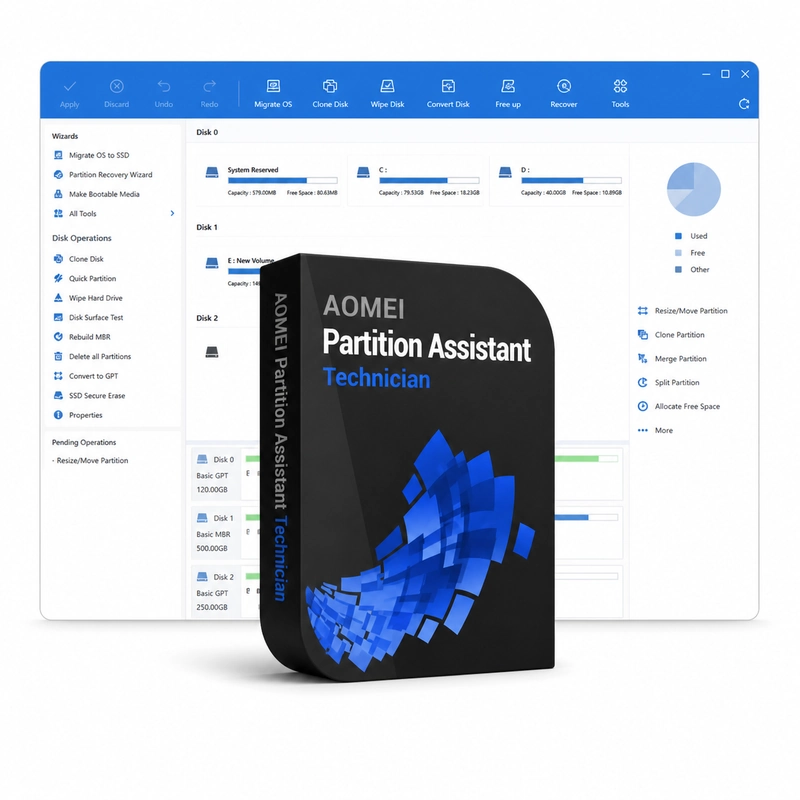
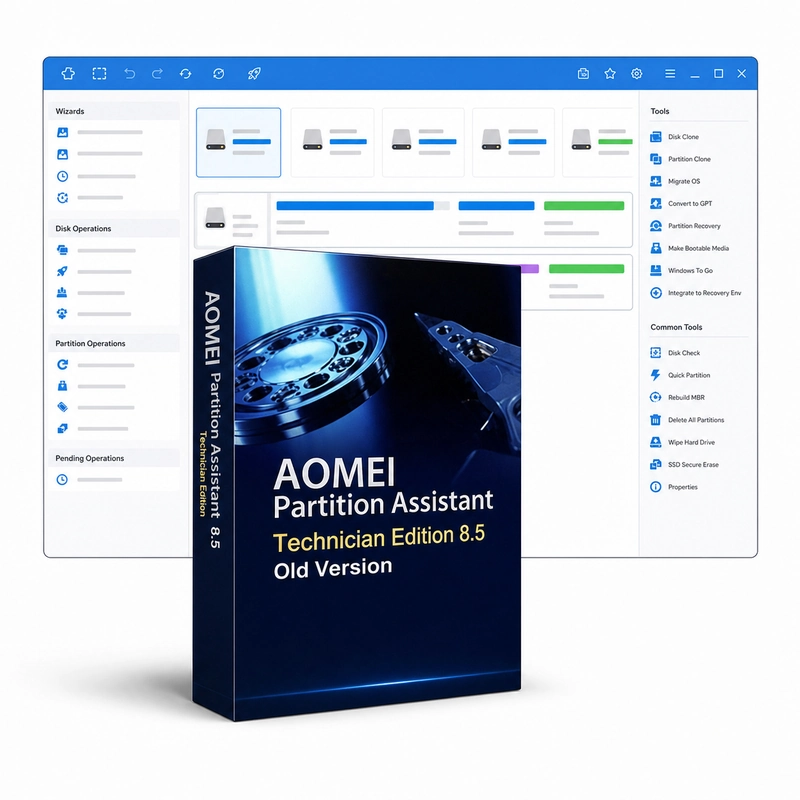
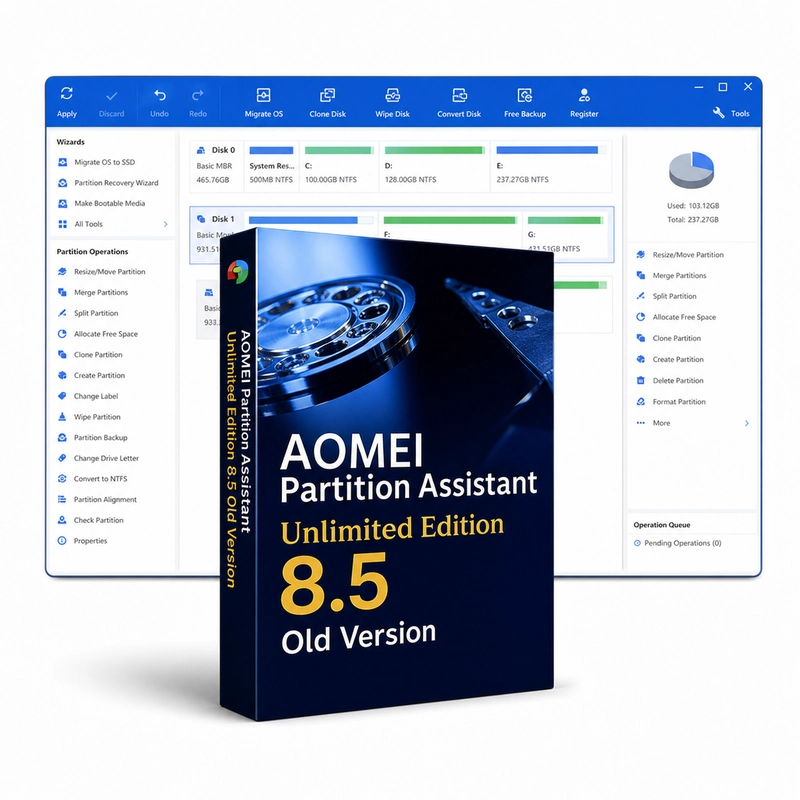
For planned disk-layout changes such as resizing, moving or merging partitions. AOMEI Partition Assistant is a Windows disk and partition manager. It resizes, moves, merges and splits partitions, reallocates free space, migrates the system to an SSD, clones disks, converts disks between MBR and GPT and file systems between NTFS and FAT32 without data loss, creates Windows To Go drives and bootable media and recovers lost partitions. Professional, Server, Unlimited and Technician editions share these tools and differ in licence scope. A disk layout can become inconvenient as the system and its data grow. Partition-management tools provide a way to create volumes, adjust their size and organise how available capacity is divided. This is useful when preparing a new drive or revising an established layout rather than simply deleting files to free space. The proposed operations should be reviewed against the actual disk, its contents and the computer’s boot arrangement before they are applied. The edition matters: Professional, Server, Unlimited and Technician licences have different deployment rights, and Unlimited or Technician use remains governed by AOMEI’s licence terms. Partition Assistant runs on Windows only. Back up important data before modifying a disk layout.
Features
- Resize, move, merge and split partitions
- Migrate OS to SSD and clone disks
- Convert MBR/GPT and NTFS/FAT32
- Windows To Go and bootable media
- Recover lost partitions
Specs
- Platform
- Windows
- License type
- Retail
- Devices
- 2 PCs
- Region restrictions
- Global
- Activation
- Product key
- Duration
- Lifetime
Global means we sell this key without a region lock. The publisher can still restrict use in some countries under its own terms.
Lifetime means the license does not expire. It does not mean the publisher still updates or supports this version — that can end earlier.