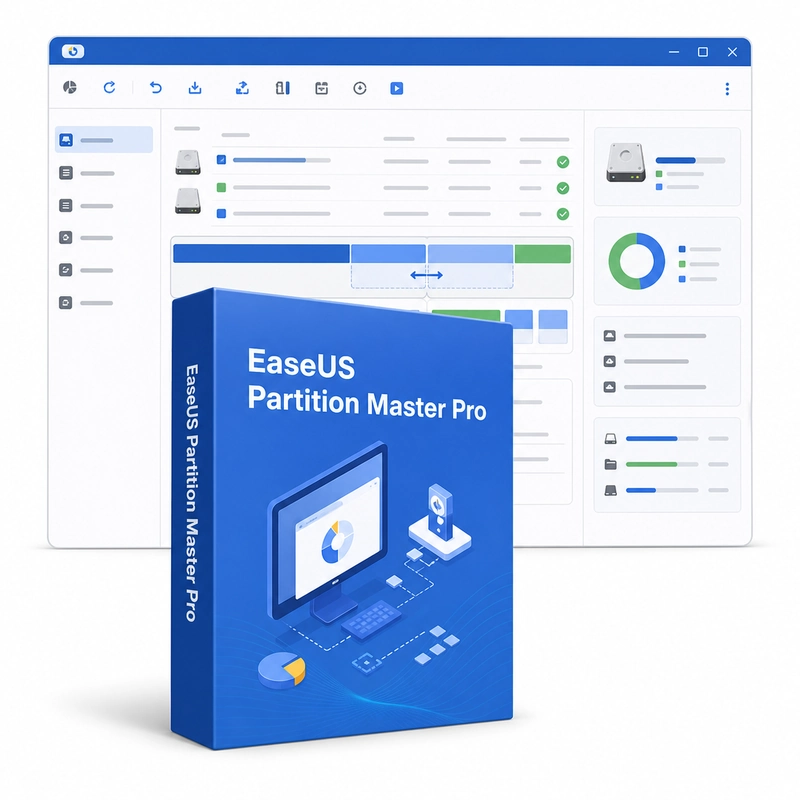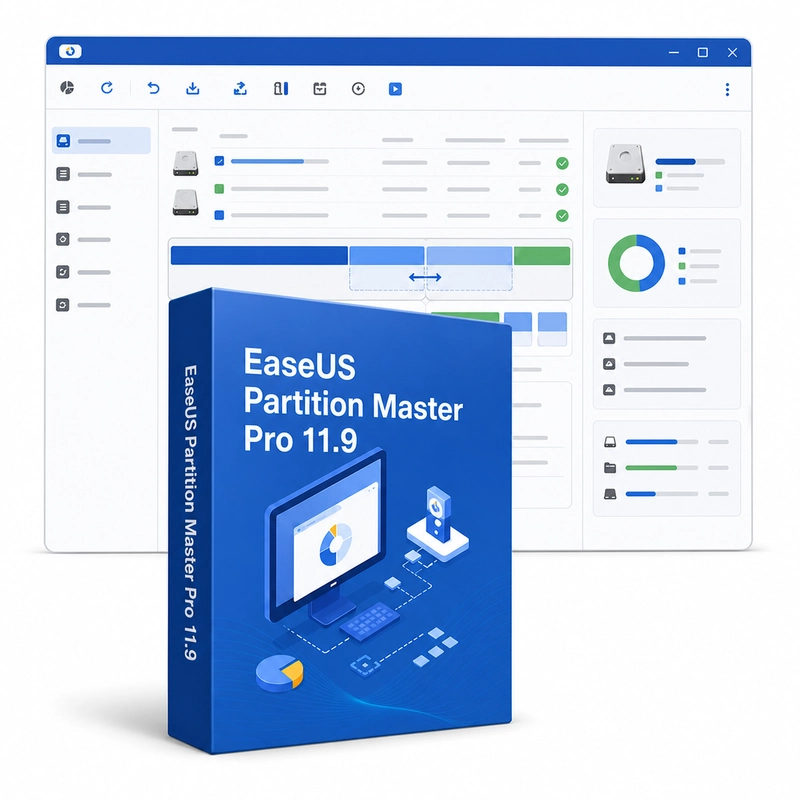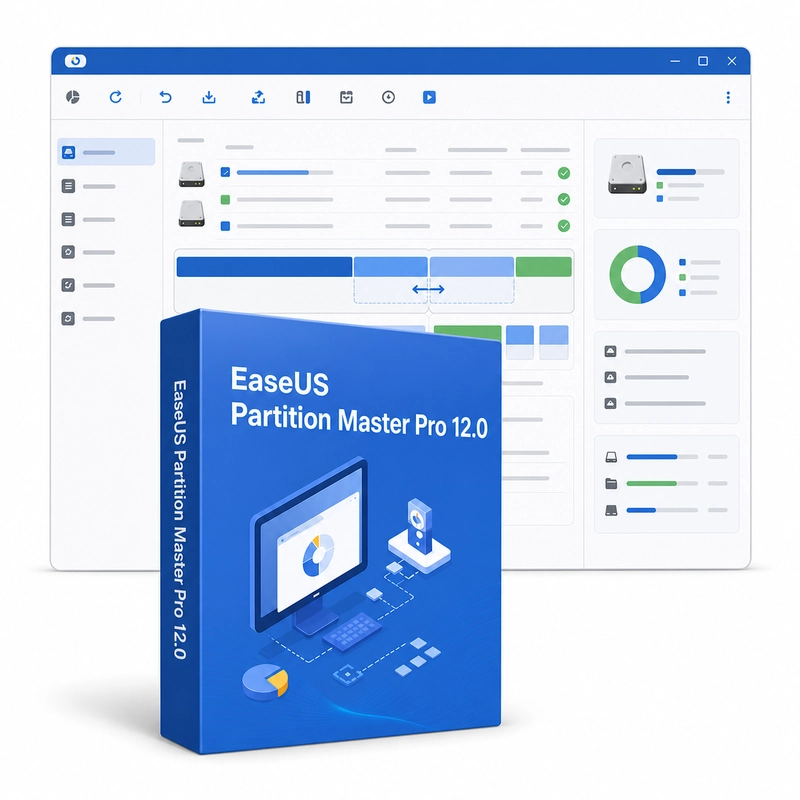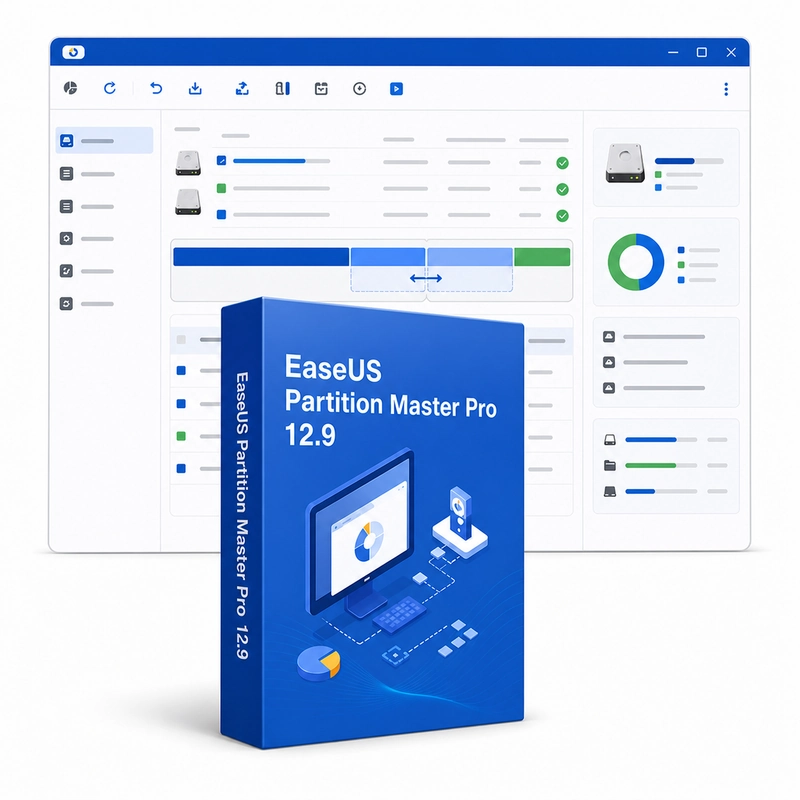
EaseUS Partition Master Pro 18.0
Sold by Get it Cheap, LLC · Is this legit?
- Key in your accountDelivered automatically once payment is confirmed.
- Setup guideStep-by-step installation and activation, next to your key.
- Won’t activate?Report it within 14 days and we replace or refund it · Refund Policy
Overview
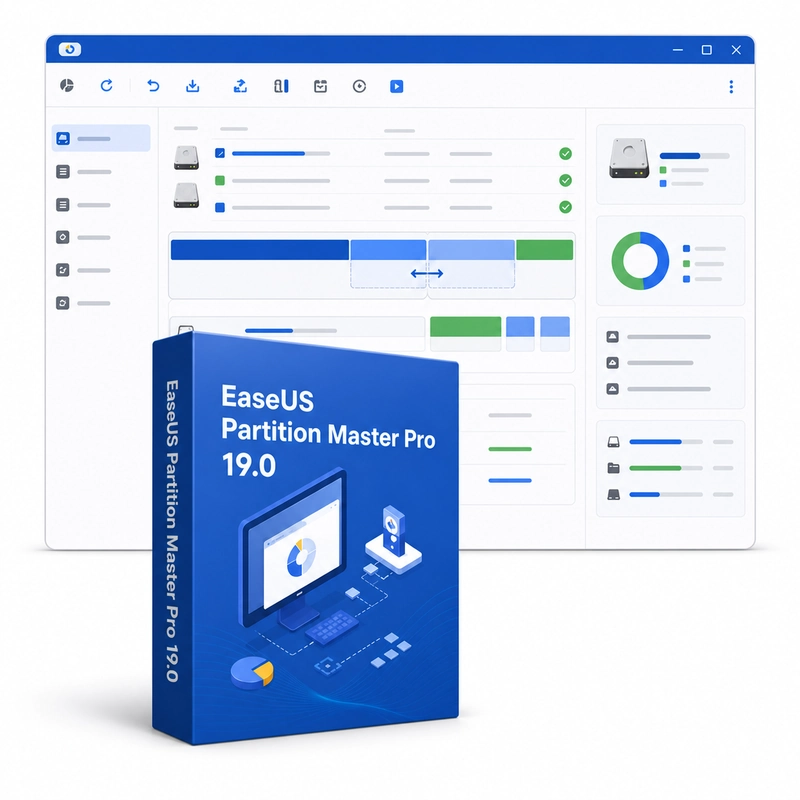
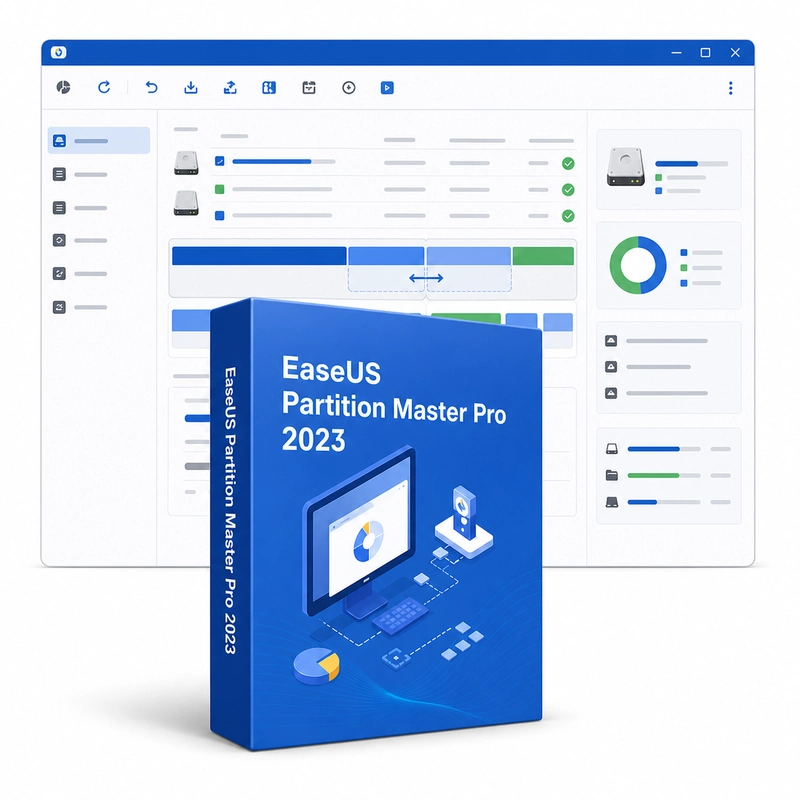
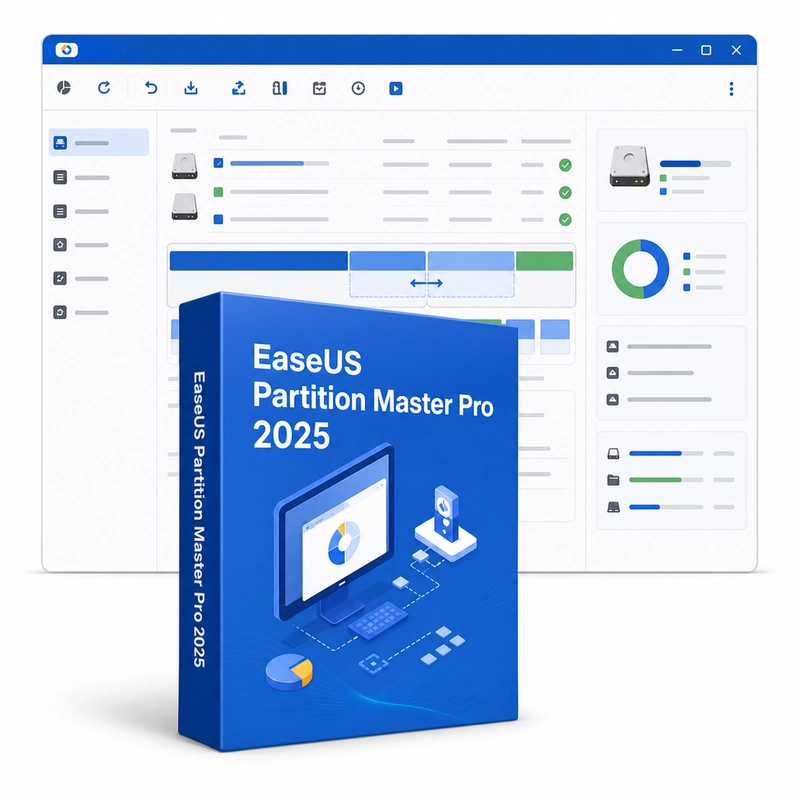
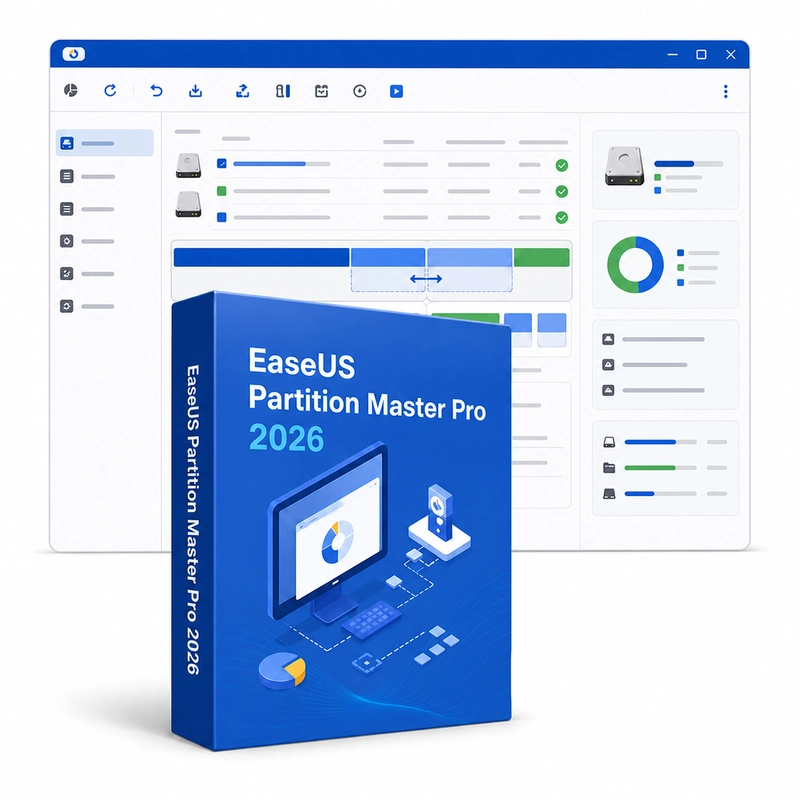
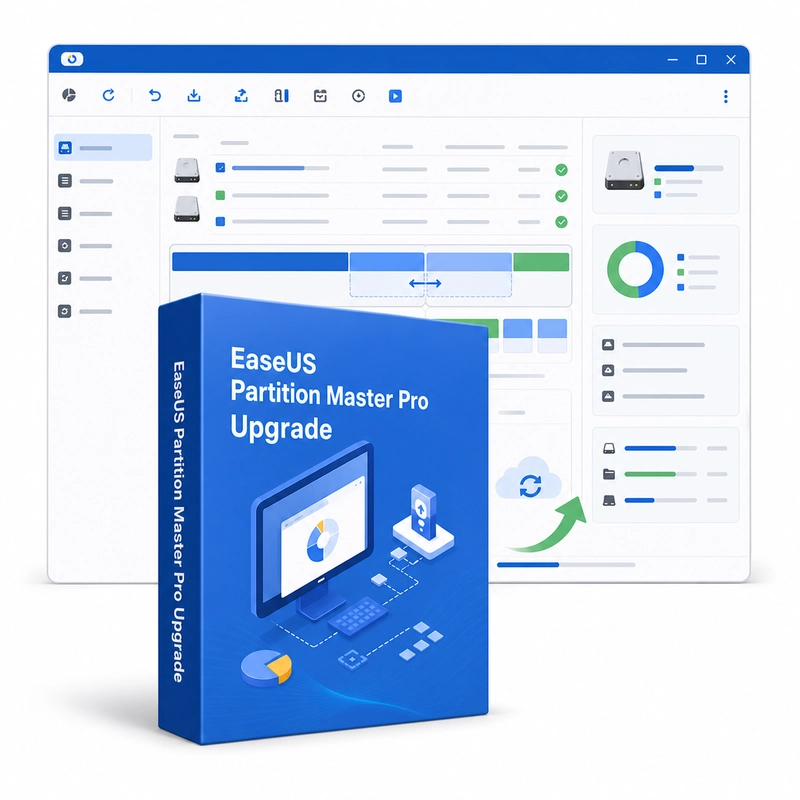
Reorganize storage partitions when a volume is running short of space or a disk layout needs changing. EaseUS Partition Master Pro 18.0 manages disks and partitions on Windows: resize, move, merge, split, create and format partitions, migrate the operating system to an SSD, clone disks, convert disks between MBR and GPT and between dynamic and basic without data loss, and check file systems and disk surfaces. It works with NTFS, FAT and EXT file systems. A common use is reallocating available storage when a system partition is becoming crowded while another part of the drive has unused capacity. The partition view helps you understand the existing layout, choose an operation and review the intended result before applying changes. This makes planning the layout as important as the operation itself. Creating and formatting volumes supports a new storage arrangement, while resizing or moving partitions can adapt an existing one. These tools work with disk structure rather than simply moving files between folders, so partition boundaries, neighboring space and the supported file system determine which operations are possible. Keep a verified backup before changing a drive layout and review the correct disk carefully. Some operations may require a restart or a supported boot environment. The available advanced functions depend on the Professional release you install; features added in later versions may not be present in older ones.
Features
- Resize, move, merge and split partitions
- Migrate OS to SSD
- Disk and partition cloning
- MBR/GPT and dynamic/basic conversion
- File-system check and surface test
Specs
- Platform
- Windows
- License type
- Subscription
- Devices
- 1 PC
- Region restrictions
- Global
- Activation
- Product key
- Duration
- 1 Year
Global means we sell this key without a region lock. The publisher can still restrict use in some countries under its own terms.