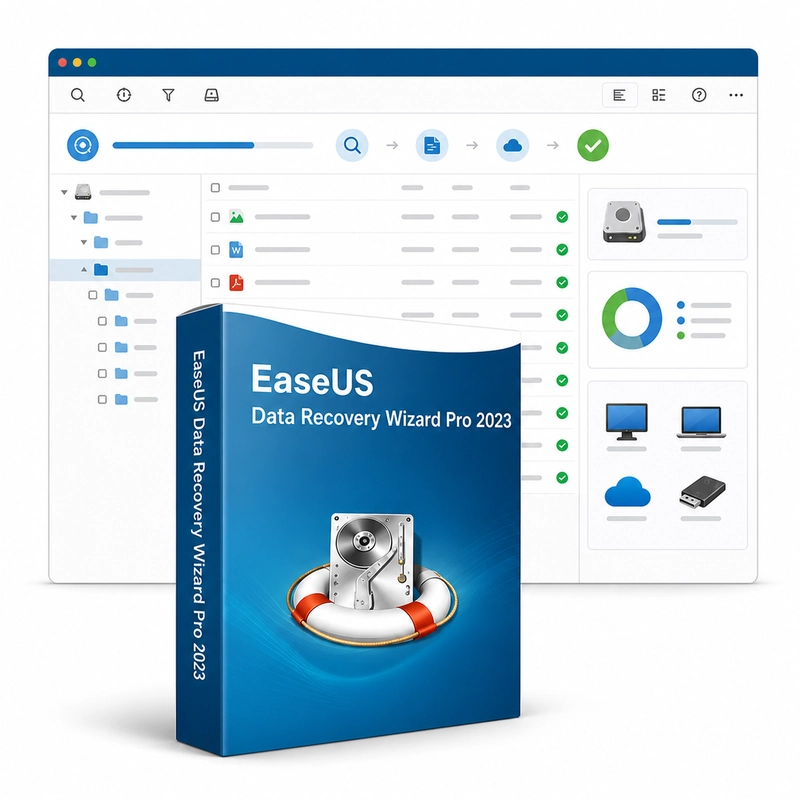
EaseUS Todo Backup Home Edition 2023
Sold by Get it Cheap, LLC · Is this legit?
- Key in your accountDelivered automatically once payment is confirmed.
- Setup guideStep-by-step installation and activation, next to your key.
- Won’t activate?Report it within 14 days and we replace or refund it · Refund Policy
Overview
Protect a Windows PC with scheduled backups and a recovery plan for files or the system. EaseUS Todo Backup Home Edition 2023 backs up the Windows system, whole disks, partitions or selected files to local drives, external disks, NAS or network shares, with full, incremental and differential backups, schedules and encryption. It also clones disks and the system to a new drive and creates a WinPE emergency disk for restoring a computer that no longer starts. Choose the scope of protection according to the recovery you want: selected documents for everyday file loss, or a system or disk backup for a broader failure. A scheduled job then refreshes the backup without requiring the same manual selection each time. Keeping the destination separate from the source helps avoid losing both copies to one storage problem. Recovery is the other half of the workflow. A useful backup should let you retrieve the required files or restore the protected environment when needed, so check completed jobs and test a sample restore before an emergency. Retention and destination capacity should be planned around how frequently the selected data changes. This is the Home backup product; it does not include the business or server-backup editions. Exact recovery options and supported environments vary between releases. A backup stored only on the same physical disk as the original data offers limited protection against that disk failing.
Features
- System, disk, partition and file backup
- Full, incremental and differential backups
- Scheduled and encrypted backups
- Disk and system cloning
- WinPE emergency disk
Specs
- Platform
- Windows
- License type
- Retail
- Devices
- 1 PC
- Region restrictions
- Global
- Activation
- Product key
- Duration
- Lifetime
Global means we sell this key without a region lock. The publisher can still restrict use in some countries under its own terms.
Lifetime means the license does not expire. It does not mean the publisher still updates or supports this version — that can end earlier.