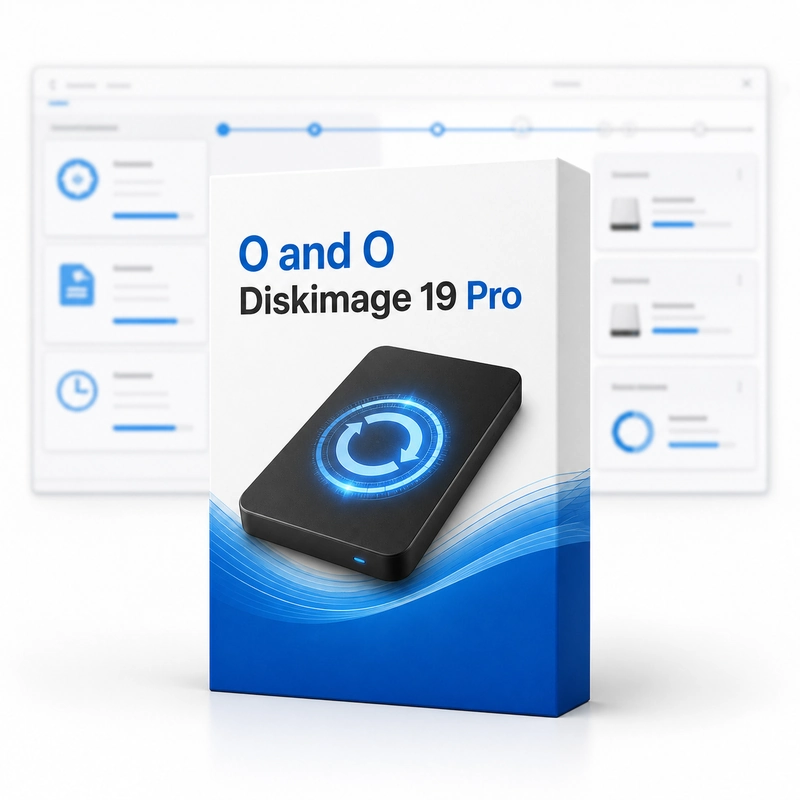
O&O DiskImage 19 Pro
In stock
Sold by Get it Cheap, LLC · Is this legit?
- Key in your accountDelivered automatically once payment is confirmed.
- Setup guideStep-by-step installation and activation, next to your key.
- Won’t activate?Report it within 14 days and we replace or refund it · Refund Policy
Overview
Create backups of a computer or selected drives and use them in a recovery workflow. O&O DiskImage 19 Pro backs up a whole Windows PC, single drives or files and folders as images. After the first full image, incremental and differential backups save only the changes; images can be mounted as a drive to copy single files back, and the start environment on a bootable USB or DVD restores the system to an empty disk, including different hardware. The Professional edition may also be used in a company network. The workflow begins by deciding what needs protection and where the backup will be stored. A disk image and an ordinary collection of copied files serve different purposes, so choose the approach that matches the recovery you expect to perform. Keep the destination separate from the source where practical, and make backup jobs regular enough that the stored copy remains useful. A backup plan is only convincing when restoration has been considered. Check that saved data can be read and that any recovery media works with the intended computer before an emergency occurs. Match the DiskImage version and edition to the required backup destination and recovery method, and verify a representative restore instead of waiting for a real failure to test the plan.
Features
- Full-system and drive images
- Incremental and differential backups
- File and folder backup
- Mount images as a drive
- Bootable restore medium, different hardware
Specs
- Platform
- Windows
- License type
- Retail
- Devices
- 1 PC
- Region restrictions
- Global
- Activation
- Product key
- Duration
- Lifetime
Global means we sell this key without a region lock. The publisher can still restrict use in some countries under its own terms.
Lifetime means the license does not expire. It does not mean the publisher still updates or supports this version — that can end earlier.