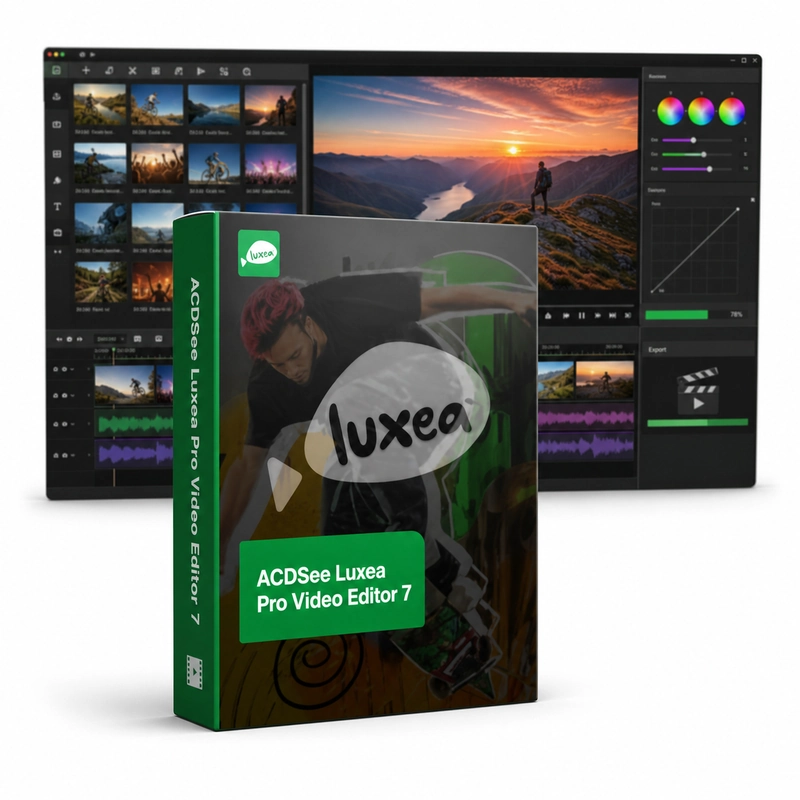
ACDSee Luxea Pro Video Editor 7
In stock
Sold by Get it Cheap, LLC · Is this legit?
- Key in your accountDelivered automatically once payment is confirmed.
- Setup guideStep-by-step installation and activation, next to your key.
- Won’t activate?Report it within 14 days and we replace or refund it · Refund Policy
Overview
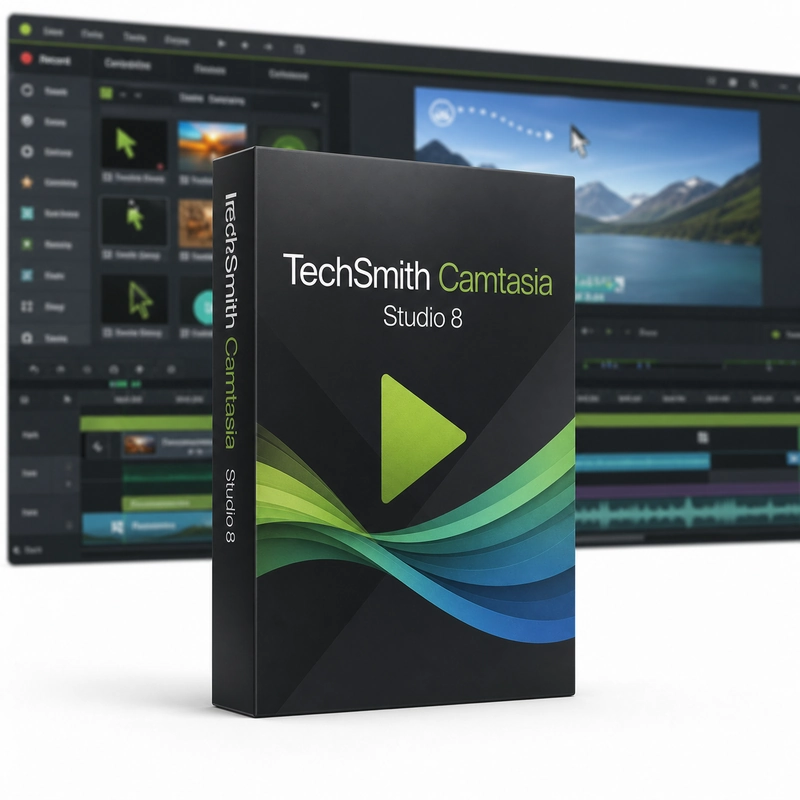
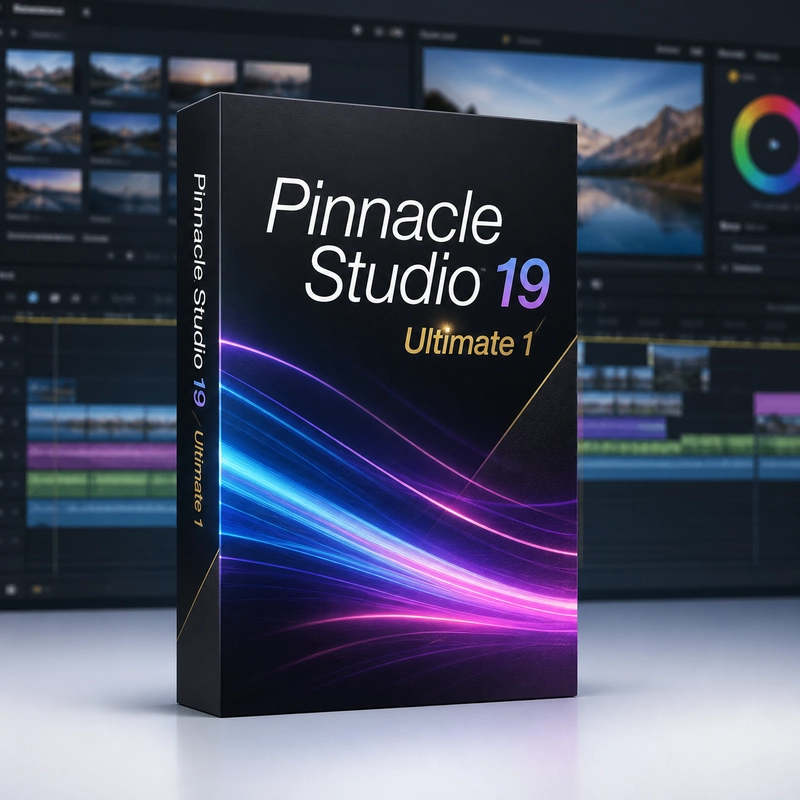
A combined recording-and-editing workflow for tutorials, demonstrations and small video projects. ACDSee Luxea Pro Video Editor 7 combines a screen recorder with a multitrack video editor. The recorder captures the screen at up to 120 frames per second with system audio and voice, can target a single window and highlights clicks and the cursor. In the editor you arrange video, images and sound on a timeline, add titles and transitions and animate clip properties with keyframes before exporting. The timeline brings moving images, still pictures and sound into one sequence. You can select useful sections of a clip, arrange them in order and add explanatory text for a demonstration or presentation. Keyframes describe how a supported property changes over time: a visual element can move or change opacity, and an audio level can change through a section. Screen recording provides source material for software tutorials before that material is edited into a finished video. Version 7 is a specific release, so use its codec and system requirements when planning a project. Later LUXEA features should not be assumed to be included. Source resolution, frame rate and available computer resources affect the editing experience and the final export. A short test export is useful before committing to a long recording or complex production.
Features
- Screen recording up to 120 fps with system audio and voice
- Click and cursor highlighting
- Multitrack timeline editing
- Keyframe animation of clip properties
- Titles and transitions
Specs
- Platform
- Windows
- License type
- Retail
- Devices
- 1 PC
- Region restrictions
- Global
- Activation
- Product key
- Duration
- Lifetime
Global means we sell this key without a region lock. The publisher can still restrict use in some countries under its own terms.
Lifetime means the license does not expire. It does not mean the publisher still updates or supports this version — that can end earlier.