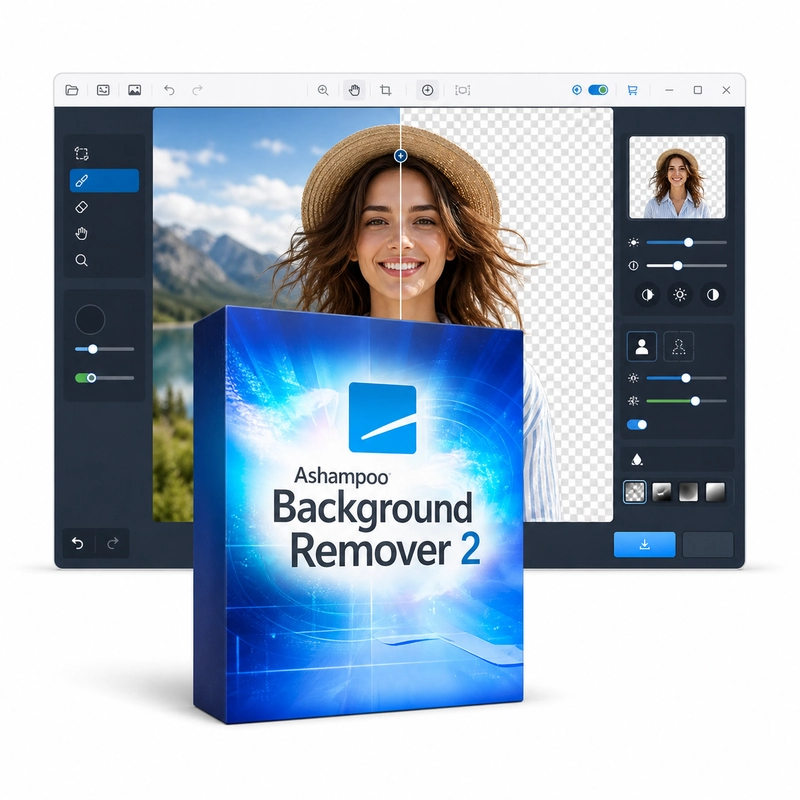
Ashampoo Background Remover 2
In stock
Sold by Get it Cheap, LLC · Is this legit?
- Key in your accountDelivered automatically once payment is confirmed.
- Setup guideStep-by-step installation and activation, next to your key.
- Won’t activate?Report it within 14 days and we replace or refund it · Refund Policy
Overview
For preparing subject cutouts and placing photographs against a new background. Ashampoo Background Remover 2 removes photo backgrounds automatically with AI that detects people and objects down to strands of hair, with a brush for correcting difficult areas. The background can be made transparent, replaced with a colour or another image, or blurred with a bokeh effect; images can be upscaled up to 400% and saved as JPG, PNG, BMP or TIFF. Processing runs locally, one image at a time. Background removal helps prepare a subject for a different context. A product can be placed against a plain background, or a portrait can become part of another composition. The foreground selection is the important step: the outline should include the material you want to keep while excluding distractions around it. Replacing the background provides a useful check because imperfections that blend into the original image may become visible against a different colour. Automatic detection may need correction around hair, transparent objects and edges with little contrast. Inspect those areas before saving a final result. Retain the original photograph so that the selection can be revisited if the image is later needed for another layout. A clean source with a clearly separated subject generally provides a better starting point.
Features
- AI background detection incl. hair
- Brush refinement
- Transparent, colour, image or bokeh background
- AI upscaling up to 400%
- JPG, PNG, BMP and TIFF
Specs
- Platform
- Windows
- License type
- Retail
- Devices
- 1 PC
- Region restrictions
- Global
- Activation
- Product key
- Duration
- Lifetime
Global means we sell this key without a region lock. The publisher can still restrict use in some countries under its own terms.
Lifetime means the license does not expire. It does not mean the publisher still updates or supports this version — that can end earlier.