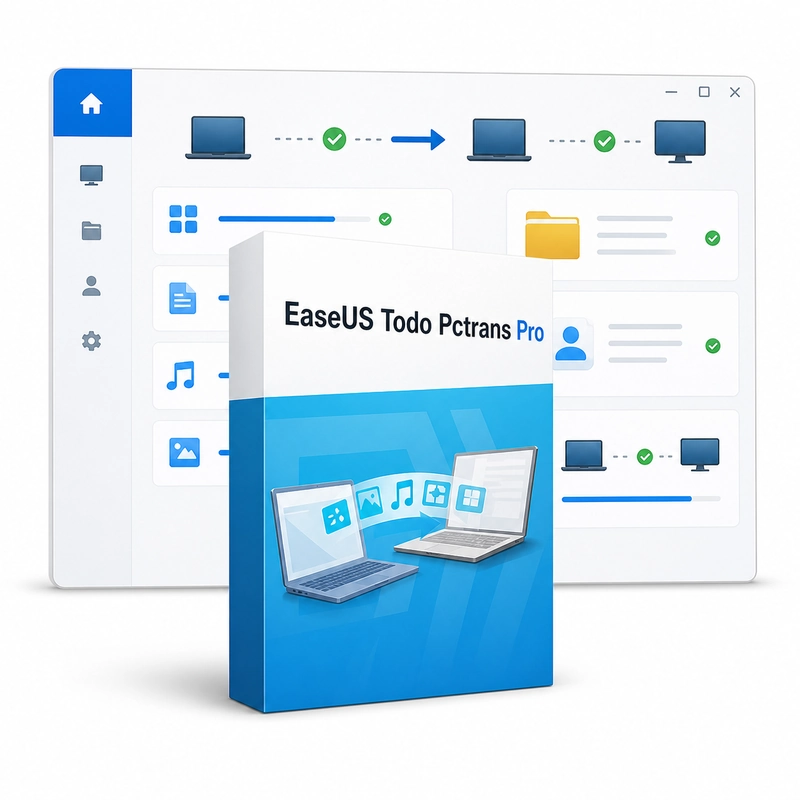
EaseUS Todo PCTrans Pro
Sold by Get it Cheap, LLC · Is this legit?
- Key in your accountDelivered automatically once payment is confirmed.
- Setup guideStep-by-step installation and activation, next to your key.
- Won’t activate?Report it within 14 days and we replace or refund it · Refund Policy
Overview
Move supported data and applications to a replacement Windows PC with a guided transfer workflow. EaseUS Todo PCTrans Pro moves programs, files, settings and user accounts from an old Windows PC to a new one over the network, from a local drive or via image files. It can also move installed programs between drives on the same PC and rescue data and programs from a computer that no longer starts by using its old hard drive. Begin by reviewing the source computer and selecting the supported content to move. The goal is to preserve useful working material while avoiding a manual search through scattered folders and settings. This can simplify setting up a replacement PC for someone who wants to continue with familiar files and supported applications. Application transfer is different from copying an installer or moving a document. A program may rely on local settings, shared components or external services, and those dependencies affect migration. After transfer, open the important applications and verify that their settings and data behave as expected on the destination. The tool does not grant licenses for the programs being moved or guarantee compatibility with a newer Windows release. Keep the original installation intact until the transfer has been checked, and retain purchase details for any application that needs reactivation. Supported transfer methods and application coverage depend on the installed PCTrans release.
Features
- PC-to-PC transfer over the network
- Transfer by image file
- Programs, files, settings and user accounts
- Move apps between local drives
- Data rescue from a dead PC
Specs
- Platform
- Windows
- License type
- Retail
- Devices
- 1 PC
- Region restrictions
- Global
- Activation
- Product key
- Duration
- Lifetime
Global means we sell this key without a region lock. The publisher can still restrict use in some countries under its own terms.
Lifetime means the license does not expire. It does not mean the publisher still updates or supports this version — that can end earlier.