UkeySoft Photo Watermark Remover
In stock
Sold by Get it Cheap, LLC · Is this legit?
- Key in your accountDelivered automatically once payment is confirmed.
- Setup guideStep-by-step installation and activation, next to your key.
- Won’t activate?Report it within 14 days and we replace or refund it · Refund Policy
Overview
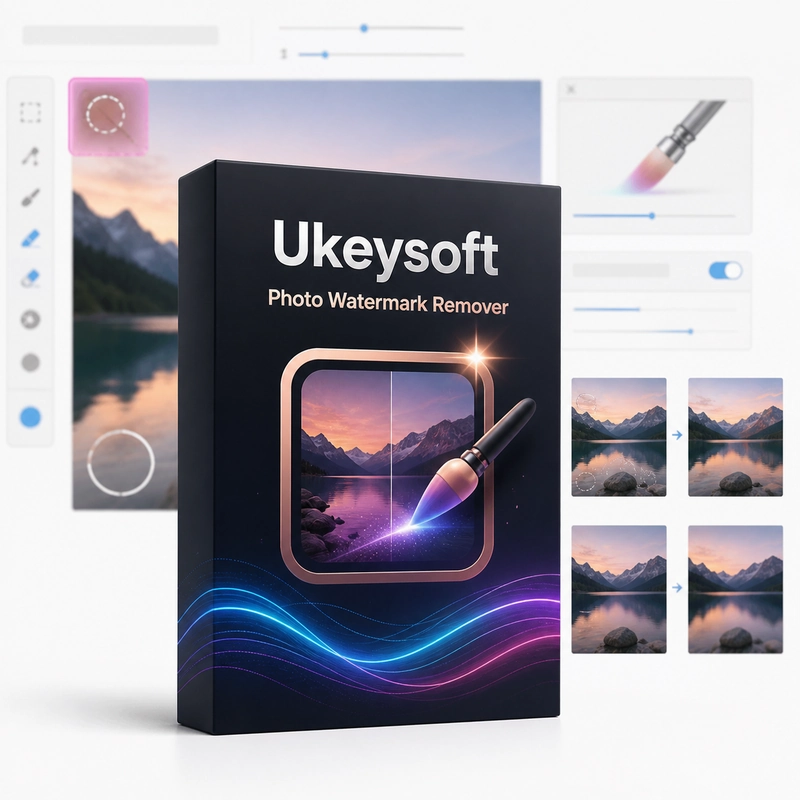
Retouch an unwanted mark or object in a photograph and save a separate edited copy. UkeySoft Photo Watermark Remover removes watermarks, date stamps, text and unwanted objects from photos: select the area with a brush, rectangle or lasso and the program fills it from the surrounding pixels. The edited picture is saved as a new file. The process starts with identifying the region that should be retouched. A careful selection limits how much of the surrounding photograph is changed, which is particularly important near faces, detailed textures or strong edges. Inspect the result and refine the selection if the blend remains visible. This is a focused cleanup workflow rather than a complete photo-management suite. It can help remove an unwanted mark from an image you have the right to edit or prepare a cleaner version for a personal or production project. Working on a copy makes it easier to compare the result with the untouched photograph. The quality of the result depends on how much useful background remains around the selected area. Removing a large mark does not guarantee that the obscured detail can be reconstructed accurately. Review the edited region at full resolution, choose a suitable output format and preserve the original before exporting the final copy.
Features
- Selected-region photo retouching
- Watermark and object cleanup
- Edited-image export
- Targeted object cleanup
Specs
- Platform
- Windows
- License type
- Retail
- Devices
- 1 PC
- Region restrictions
- Global
- Activation
- Product key
- Duration
- Lifetime
Global means we sell this key without a region lock. The publisher can still restrict use in some countries under its own terms.
Lifetime means the license does not expire. It does not mean the publisher still updates or supports this version — that can end earlier.