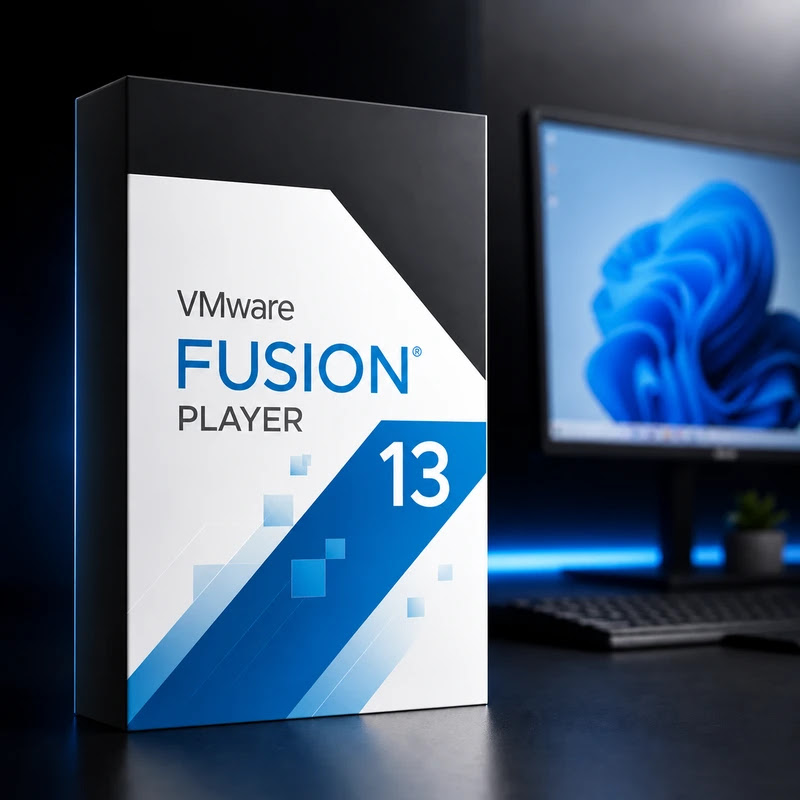
VMware Fusion 13 for Mac
In stock
Sold by Get it Cheap, LLC · Is this legit?
- Key in your accountDelivered automatically once payment is confirmed.
- Setup guideStep-by-step installation and activation, next to your key.
- Won’t activate?Report it within 14 days and we replace or refund it · Refund Policy
Overview
Use a Mac to host separate virtual-machine environments for development, testing and compatible guest applications. VMware Fusion 13 for Mac runs Windows, Linux and other operating systems in virtual machines on Apple-silicon and Intel Macs. Version 13 runs Windows 11 with a virtual TPM, and on Apple silicon runs Arm versions of Windows and Linux. Create a virtual machine, choose a compatible guest operating system and assign the resources it needs. The guest runs in its own environment, which is useful for trying software, maintaining a test setup or keeping a development task separate from the Mac's everyday configuration. Virtual-machine storage also keeps the guest installation together as a defined environment rather than scattering it through the host system. The Mac processor and Fusion generation determine which guest architectures can run. Intel and Apple silicon are not interchangeable targets, and the ability to use an application inside a guest depends on that guest's operating system and architecture. Plan memory and disk capacity for both the Mac and the virtual machines that will be active at the same time. Fusion is the host virtualization application; guest operating systems and commercial software require their own licences. The licence covers Fusion 13 and does not include an upgrade to a later generation. Check compatibility with your macOS version before installing.
Features
- VMs on Apple silicon and Intel Macs
- Windows 11 with virtual TPM
- Arm Windows and Linux on Apple silicon
- Snapshots
Specs
- Platform
- Mac
- License type
- Retail
- Devices
- 1 Device
- Region restrictions
- Global
- Activation
- Product key
- Duration
- Lifetime
Global means we sell this key without a region lock. The publisher can still restrict use in some countries under its own terms.
Lifetime means the license does not expire. It does not mean the publisher still updates or supports this version — that can end earlier.