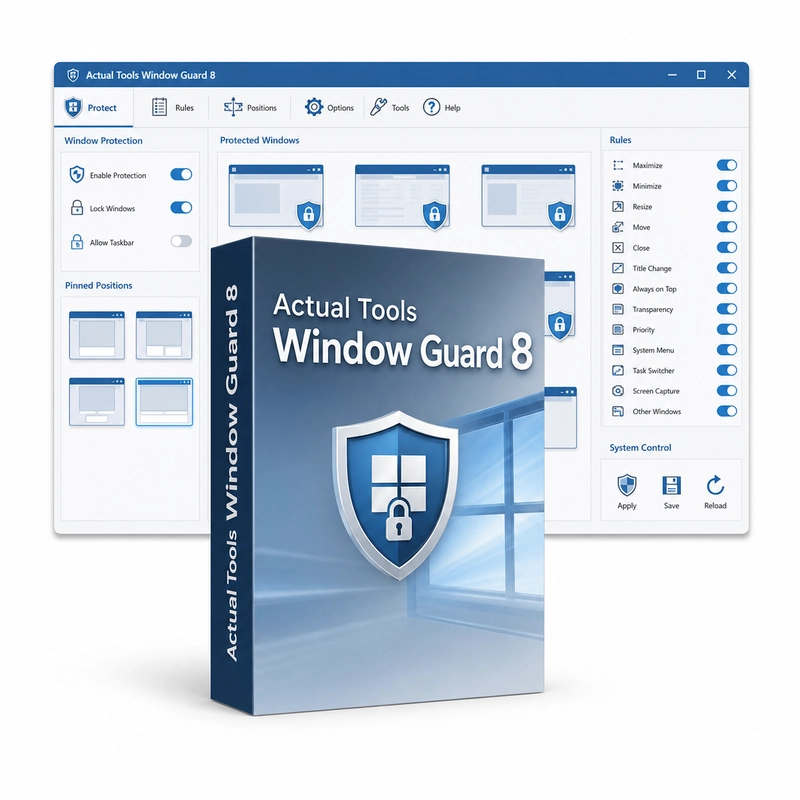
Actual Tools Window Guard 8
In stock
Sold by Get it Cheap, LLC · Is this legit?
- Key in your accountDelivered automatically once payment is confirmed.
- Setup guideStep-by-step installation and activation, next to your key.
- Won’t activate?Report it within 14 days and we replace or refund it · Refund Policy
Overview
For making recurring application windows open in a consistent arrangement. Actual Tools Window Guard 8 applies rules to program windows automatically: start minimized or maximized, open at a set size and position (one of nine aligned positions or a chosen monitor), stay on top, run at a set priority, stay off the taskbar or be protected against accidental closing. It can also close unwanted pop-ups and works with console windows. Rules make recurring window arrangements more predictable. For example, a reference application can reopen at a useful size and position while the main work area remains available for another program. This is helpful when the same collection of applications is opened repeatedly and manual resizing becomes part of every session. The purpose is to automate chosen window behaviour so that the workspace starts closer to the arrangement you need. Window Guard controls application windows rather than securing files or protecting a computer against malware. Start with a small number of rules and check how each affected application responds. A program that manages its own placement may need a different rule or an exception.
Features
- Startup rules: minimized or maximized
- Size, position and monitor rules
- Always-on-top and program-priority rules
- Protection against accidental closing
- Pop-up closing and console-window support
Specs
- Platform
- Windows
- License type
- Retail
- Devices
- 1 PC
- Region restrictions
- Global
- Activation
- Product key
- Duration
- Lifetime
Global means we sell this key without a region lock. The publisher can still restrict use in some countries under its own terms.
Lifetime means the license does not expire. It does not mean the publisher still updates or supports this version — that can end earlier.