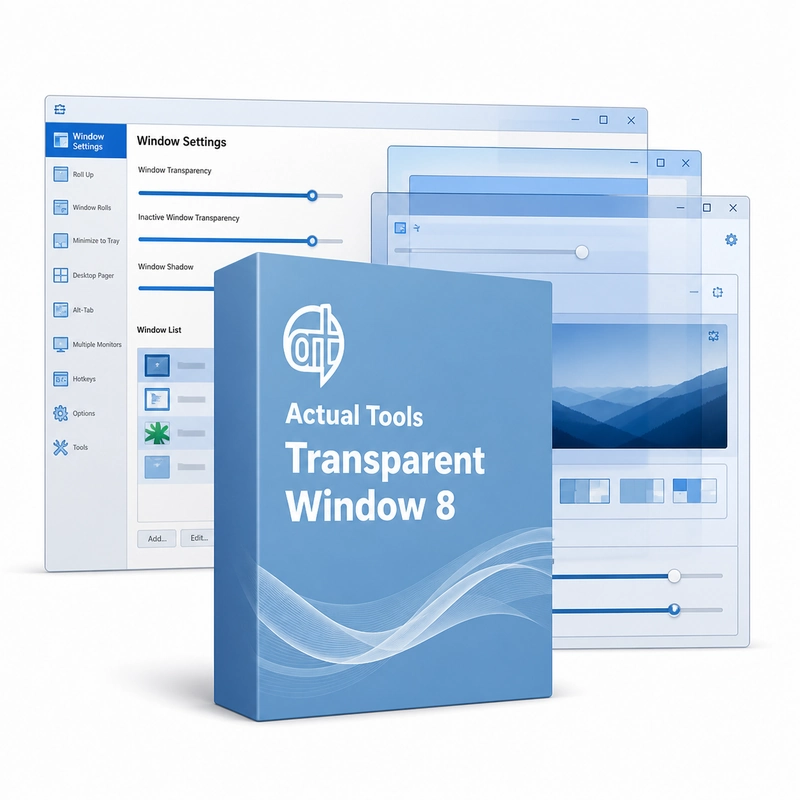
Actual Tools Transparent Window 8
In stock
Sold by Get it Cheap, LLC · Is this legit?
- Key in your accountDelivered automatically once payment is confirmed.
- Setup guideStep-by-step installation and activation, next to your key.
- Won’t activate?Report it within 14 days and we replace or refund it · Refund Policy
Overview
For reference windows that should remain visible without fully obscuring the work underneath. Actual Tools Transparent Window 8 sets an individual transparency level from 0 to 100% for any window, using a Make Transparent title-bar button or the Win+T hotkey. A window can turn transparent only when inactive or while it is being moved or resized, and Ghost mode lets mouse clicks pass through a transparent window to the one underneath. The level is remembered for each window. Adjustable opacity lets information remain visible through a foreground window. It can help when comparing material in two applications or keeping a reference in view while working elsewhere. Per-window settings allow a chosen application to use the effect without making the entire desktop transparent. A readable workspace depends on balancing the foreground text with what remains visible behind it. Transparency is a visual desktop aid, not a way to merge or exchange information between applications. It can reduce contrast when both windows contain dense text, so choose a level that remains comfortable to read. Check the target program’s behaviour before applying a rule to every window it opens.
Features
- Per-window transparency from 0 to 100%
- Make Transparent title-bar button and Win+T hotkey
- Transparency when inactive or while moving
- Ghost mode: clicks pass through the window
Specs
- Platform
- Windows
- License type
- Retail
- Devices
- 1 PC
- Region restrictions
- Global
- Activation
- Product key
- Duration
- Lifetime
Global means we sell this key without a region lock. The publisher can still restrict use in some countries under its own terms.
Lifetime means the license does not expire. It does not mean the publisher still updates or supports this version — that can end earlier.