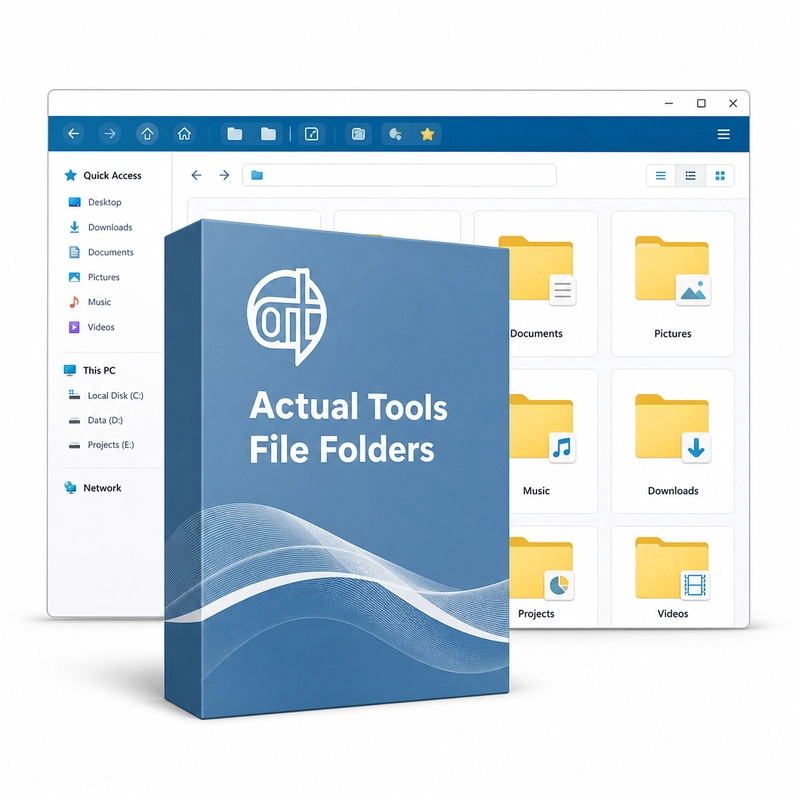
Actual Tools File Folders
In stock
Sold by Get it Cheap, LLC · Is this legit?
- Key in your accountDelivered automatically once payment is confirmed.
- Setup guideStep-by-step installation and activation, next to your key.
- Won’t activate?Report it within 14 days and we replace or refund it · Refund Policy
Overview
For people who repeatedly open and save files across the same project directories. Actual Tools File Folders adds two buttons to the title bar of Windows Explorer and the standard Open/Save dialogs: Favorite Folders, a bookmark list of the folders you use most, and Recent Folders, a list of recently visited folders that it keeps automatically. It works in any program that uses the standard Windows file dialogs, such as Microsoft Word or Total Commander. When several projects live in different folders, repeated navigation can interrupt otherwise simple file operations. Favourite-folder shortcuts keep common locations close at hand, while recent-folder navigation helps return to somewhere just visited. The value is most visible inside Open and Save dialogs: a document can be placed in the correct project folder without starting from the top of the directory tree every time. The utility improves access to folders; it does not replace a backup system or move your documents into a new storage service. Organise shortcuts around folders you actually use, and check how the integration behaves in the applications that form your daily workflow.
Features
- Favorite Folders title-bar button
- Recent Folders title-bar button
- Works in Explorer and standard Open/Save dialogs
- Same folder shortcuts in every program
Specs
- Platform
- Windows
- License type
- Retail
- Devices
- 3 PCs
- Region restrictions
- Global
- Activation
- Product key
- Duration
- Lifetime
Global means we sell this key without a region lock. The publisher can still restrict use in some countries under its own terms.
Lifetime means the license does not expire. It does not mean the publisher still updates or supports this version — that can end earlier.