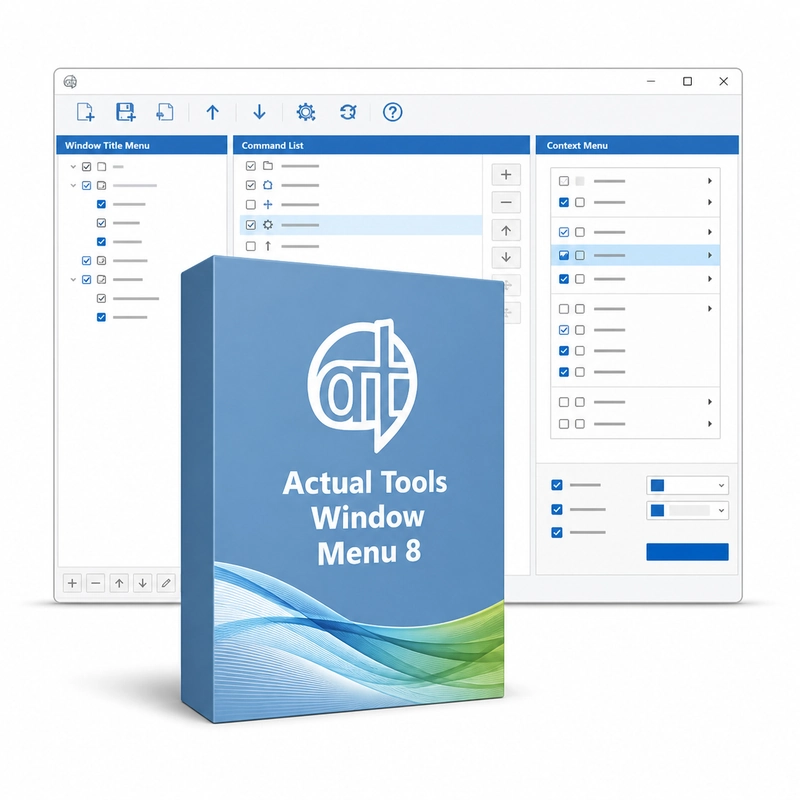
Actual Tools Window Menu 8
In stock
Sold by Get it Cheap, LLC · Is this legit?
- Key in your accountDelivered automatically once payment is confirmed.
- Setup guideStep-by-step installation and activation, next to your key.
- Won’t activate?Report it within 14 days and we replace or refund it · Refund Policy
Overview
For additional window commands accessible from the familiar title-bar menu. Actual Tools Window Menu 8 extends the standard window menu (right-click on a title bar) with Minimize to Tray, Roll Up, Stay on Top, Send to Bottom, Make Transparent (0–100%), Change Priority, Align to nine screen positions and Resize to preset or custom sizes, each with an optional hotkey. Settings can be saved separately for each program. The extended title-bar menu puts extra window operations in a place that is already part of the Windows workflow. Instead of adding a separate control window, it provides commands for managing the current application window when needed. Per-application settings can then make recurring choices more consistent. This approach suits users who prefer a menu of actions over a collection of permanent extra buttons. Window Menu is a window-management extension, not an application launcher or file-context-menu editor. Check that the target program exposes a compatible window menu, especially if it uses a custom interface. Configure only the commands and rules that help your normal work to keep the menu manageable.
Features
- Stay on Top and Send to Bottom
- Minimize to Tray and Roll Up
- Transparency from 0 to 100%
- Priority, Align and Resize commands
- Hotkeys and per-program settings
Specs
- Platform
- Windows
- License type
- Retail
- Devices
- 1 PC
- Region restrictions
- Global
- Activation
- Product key
- Duration
- Lifetime
Global means we sell this key without a region lock. The publisher can still restrict use in some countries under its own terms.
Lifetime means the license does not expire. It does not mean the publisher still updates or supports this version — that can end earlier.