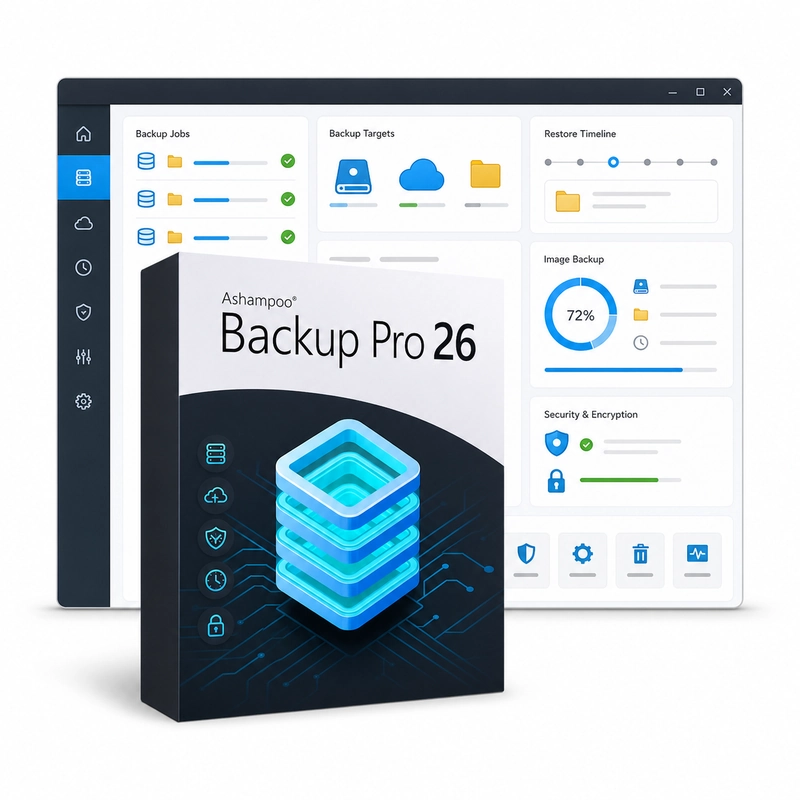
Ashampoo Backup Pro 26
In stock
Sold by Get it Cheap, LLC · Is this legit?
- Key in your accountDelivered automatically once payment is confirmed.
- Setup guideStep-by-step installation and activation, next to your key.
- Won’t activate?Report it within 14 days and we replace or refund it · Refund Policy
Overview
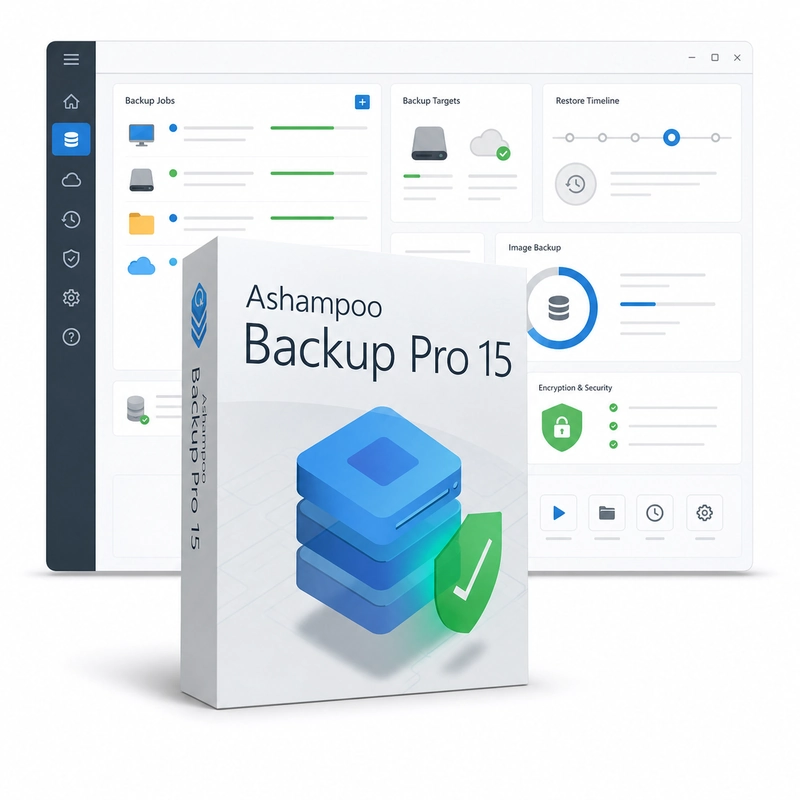
For protecting both selected working files and larger parts of a Windows installation with planned backups. Ashampoo Backup Pro 26 backs up individual files and folders or entire drives as images, to local and network drives or cloud storage such as Dropbox, OneDrive and Google Drive. Image backups use space-saving reverse incremental updates, backups can be encrypted and scheduled, the drive's SMART status is checked during backups, and a bootable rescue system restores the computer when Windows no longer starts. Different losses call for different recovery scopes. A file backup helps retrieve selected working documents, while an image of a disk or partition can support a broader recovery. Backup plans specify what is included and where the saved information goes, and restore tools provide the route back to that information. This suits a desktop or small-office workflow where both everyday documents and the system around them need a considered recovery plan. Choose the backup scope and destination around the data you actually need to recover. A local drive, network location and other supported destinations have different availability requirements, and the options vary by release. Check a sample restore and any required recovery media in advance. Keep important copies separate from the source and remember that backup software needs a readable, usable backup to restore from.
Features
- File, folder and full-drive image backups
- Local, network and cloud destinations
- Encryption and scheduled backups
- Bootable rescue system
- Drive health (SMART) monitoring
Specs
- Platform
- Windows
- License type
- Retail
- Devices
- 1 PC
- Region restrictions
- Global
- Activation
- Product key
- Duration
- Lifetime
Global means we sell this key without a region lock. The publisher can still restrict use in some countries under its own terms.
Lifetime means the license does not expire. It does not mean the publisher still updates or supports this version — that can end earlier.