Ashampoo Snap 14
In stock
Sold by Get it Cheap, LLC · Is this legit?
- Key in your accountDelivered automatically once payment is confirmed.
- Setup guideStep-by-step installation and activation, next to your key.
- Won’t activate?Report it within 14 days and we replace or refund it · Refund Policy
Overview
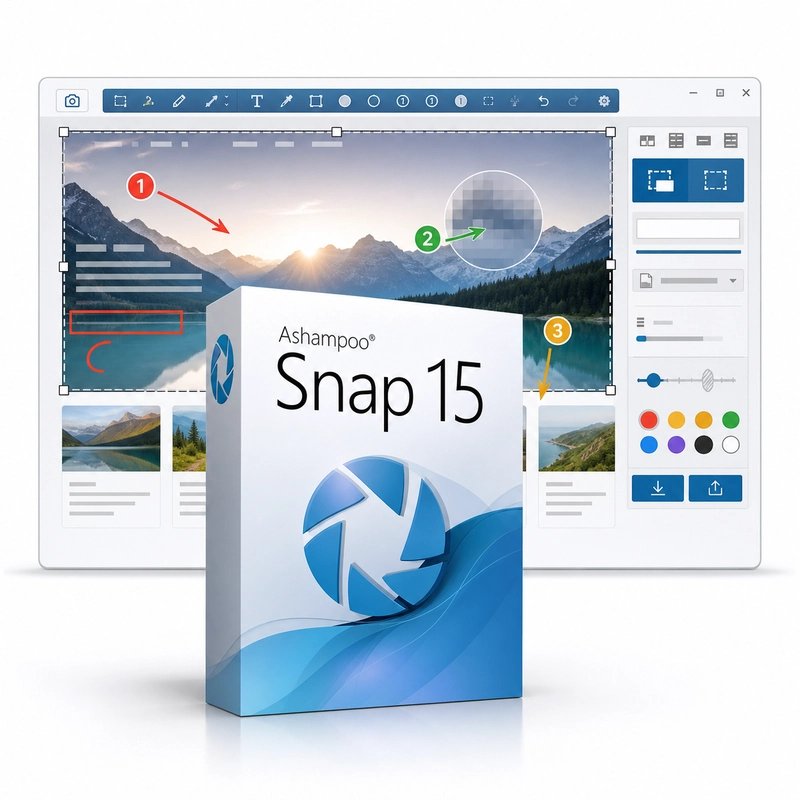
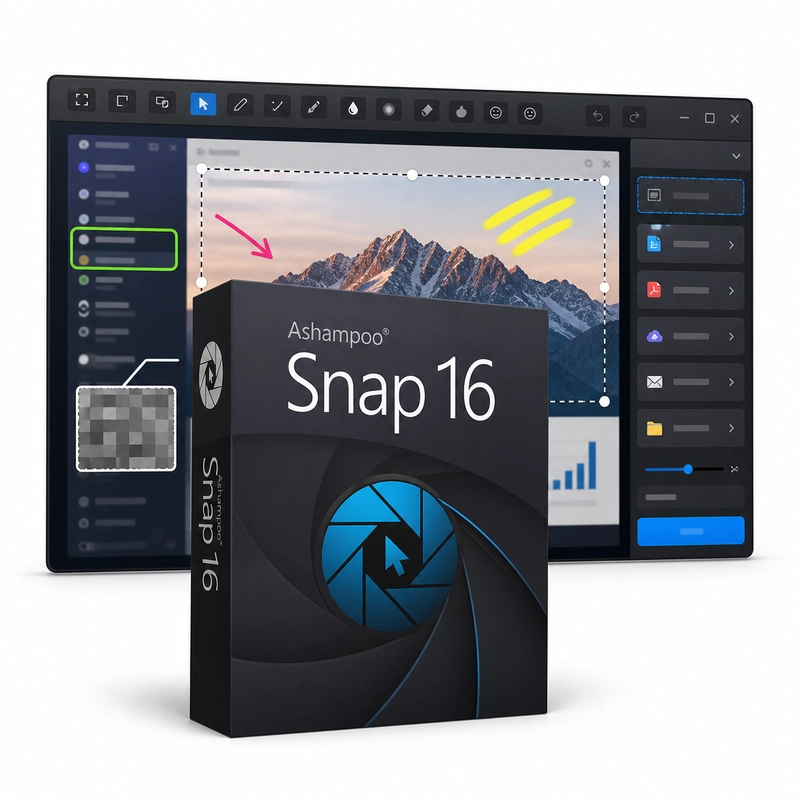
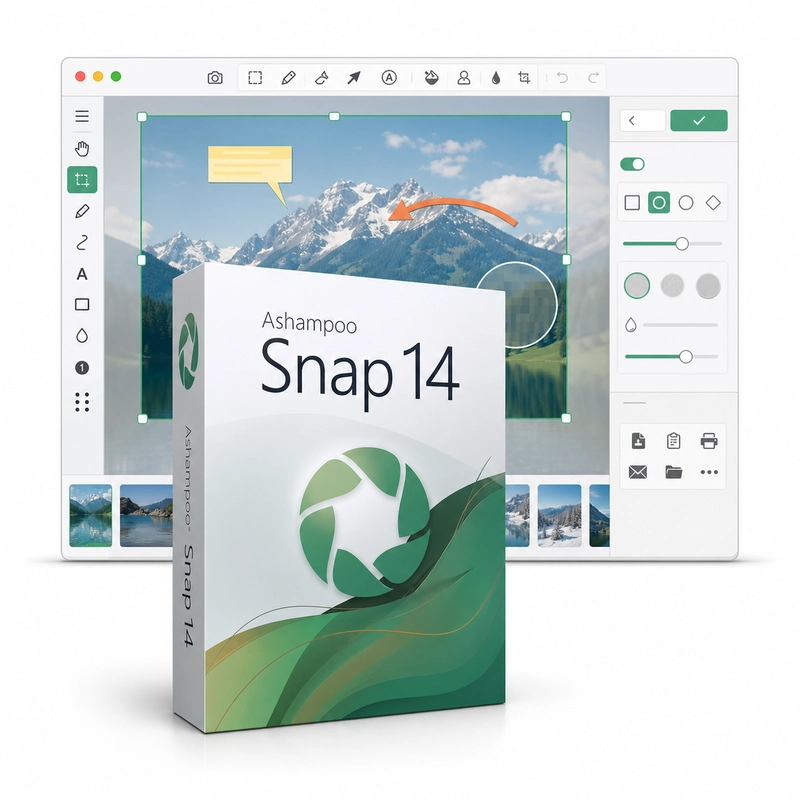
For turning screenshots and recordings into understandable instructions or explanations. Ashampoo Snap 14 captures screenshots of the full screen, windows, regions and scrolling web pages and records screen videos with sound and an optional webcam overlay. Captures are annotated in its editor with arrows, text, shapes, automatic step numbering, highlighting and blur or pixelation, text in images can be read with OCR, and results are saved as PNG, JPG or MP4 or shared by e-mail and cloud services. A capture can explain a process more clearly when the important area is isolated and the relevant step is marked. Screenshots suit a single state or error message, while a recording shows a sequence of actions. Annotations help point to the control or region that the viewer should notice. This makes Snap useful for internal instructions, customer support explanations and other communication where a visual example should be understandable without a long written description. Prepare the desktop before capturing so that unrelated information and notifications do not enter the result. Check text readability, recording area and audio with a short test. An older Snap release may have different capture and export options from the current product. Choose the named version around the workflow you actually need rather than assuming every new feature is available.
Features
- Full-screen, window, region and scrolling capture
- Screen video with sound and webcam
- Arrows, text and automatic numbering
- Blur, pixelate and highlight
- OCR text recognition
Specs
- Platform
- Windows
- License type
- Retail
- Devices
- 1 PC
- Region restrictions
- Global
- Activation
- Product key
- Duration
- Lifetime
Global means we sell this key without a region lock. The publisher can still restrict use in some countries under its own terms.
Lifetime means the license does not expire. It does not mean the publisher still updates or supports this version — that can end earlier.