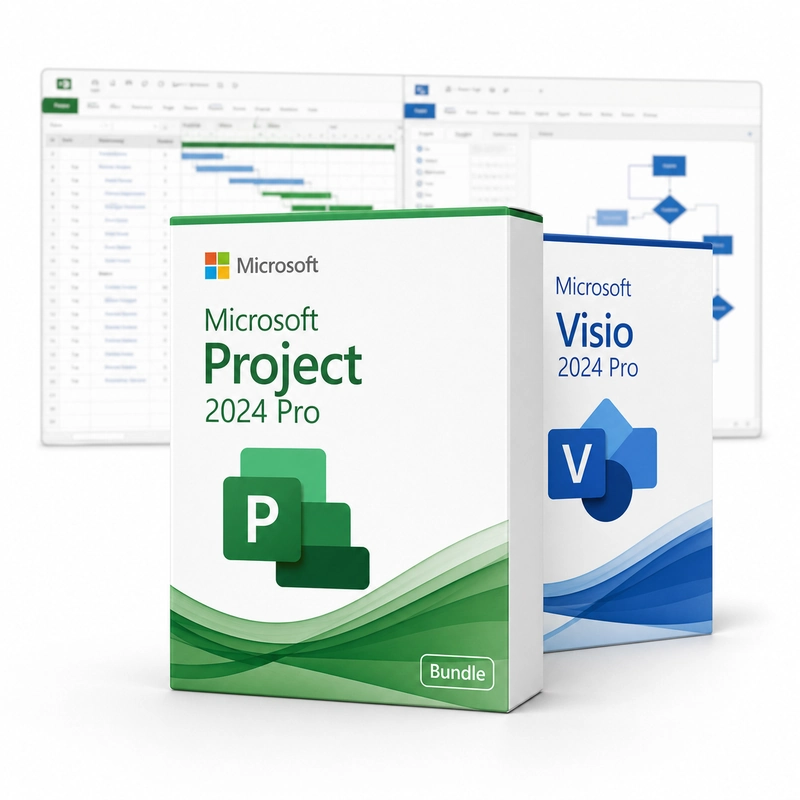
Microsoft Project 2024 Professional + Microsoft Visio 2024 Professional
In stock
Sold by Get it Cheap, LLC · Is this legit?
Activates online. If it doesn't go through, a Confirmation ID is included — use the Confirmation ID tool.
- Key in your accountDelivered automatically once payment is confirmed.
- Setup guideStep-by-step installation and activation, next to your key.
- Won’t activate?Report it within 14 days and we replace or refund it · Refund Policy
Overview
Build a project schedule in Project, then explain processes and responsibilities through Visio diagrams. Project brings task scheduling into the workflow. Break work into activities, connect dependent tasks, assign resources and compare progress with a plan. It is useful when dates and resource assignments must be managed together, because a change to one task can affect the timing of the work that follows it. Visio Professional provides the diagramming side of the package. Turn a process, reporting structure or system into connected shapes, rather than trying to communicate every relationship in a written list. A Project schedule and a Visio process diagram serve different purposes and can be used alongside one another when planning or explaining work. Each component has its own installation requirements. Activate each component with its own key; activating one does not activate the others.
Features
- Project Professional 2024: Gantt charts, resources, baselines
- Project: critical path and reports
- Visio Professional 2024: data-linked diagrams
- Visio: BPMN 2.0, UML and network stencils
Specs
- Platform
- Windows
- License type
- Retail
- Devices
- 1 PC
- Region restrictions
- Global
- Activation
- Online
Global means we sell this key without a region lock. The publisher can still restrict use in some countries under its own terms.