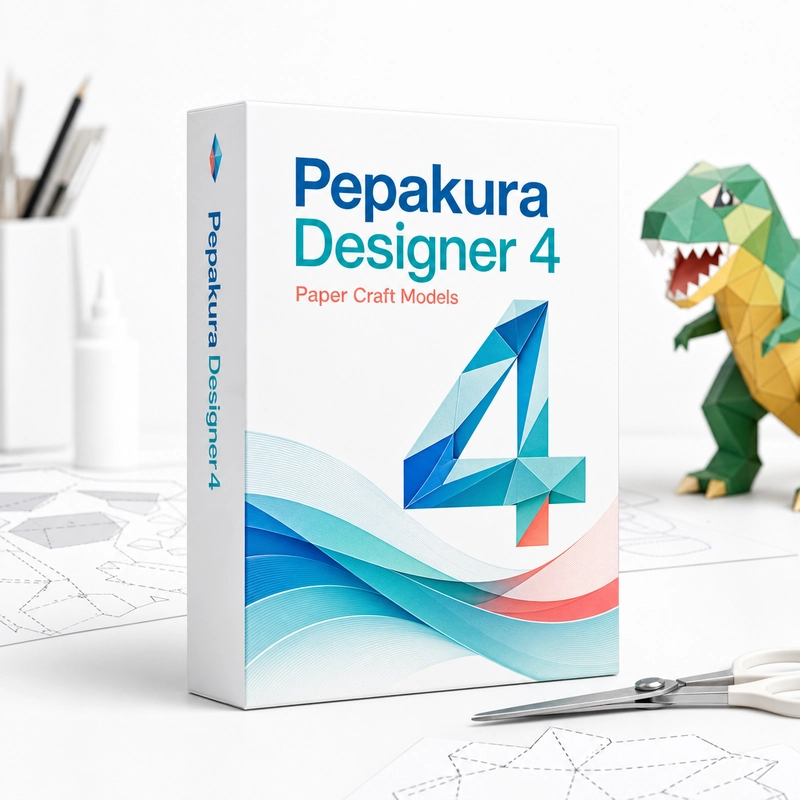
Pepakura Designer 4
In stock
Sold by Get it Cheap, LLC · Is this legit?
- Key in your accountDelivered automatically once payment is confirmed.
- Setup guideStep-by-step installation and activation, next to your key.
- Won’t activate?Report it within 14 days and we replace or refund it · Refund Policy
Overview
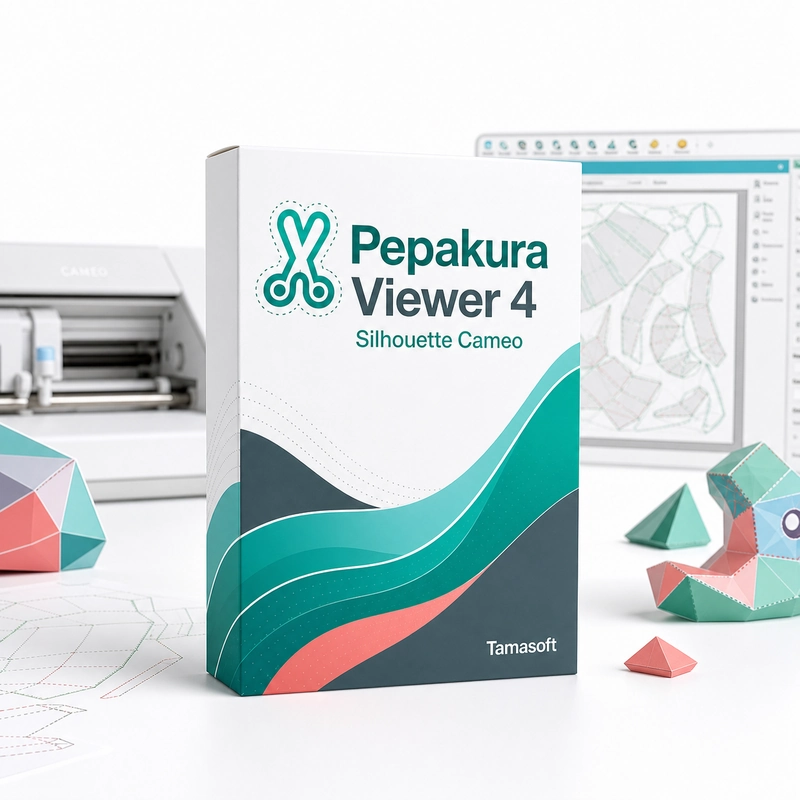
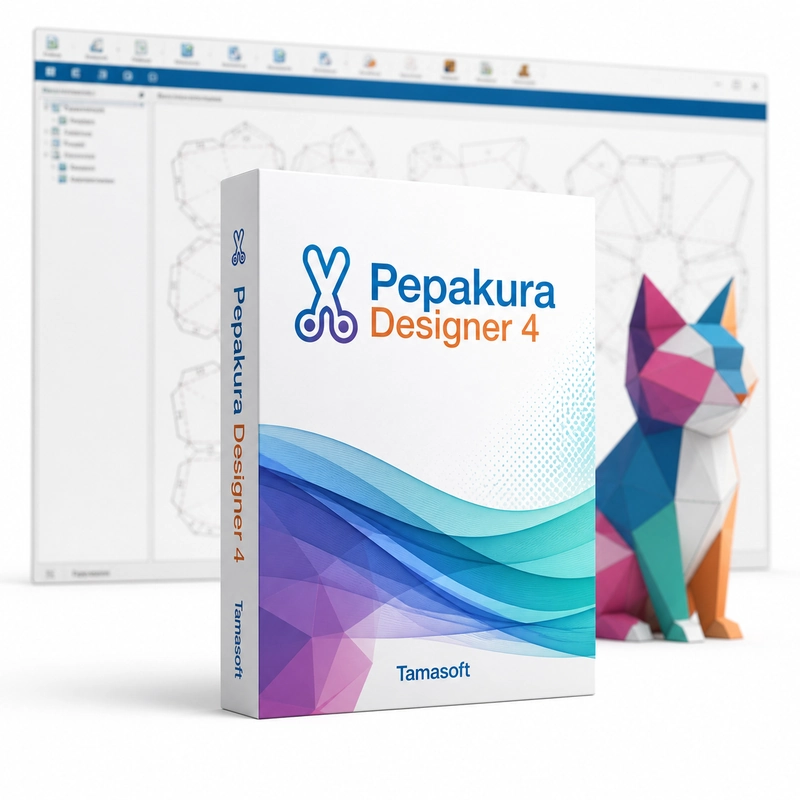
Turn a 3D model into paper parts that can be printed, cut and assembled. Pepakura Designer 4 unfolds a 3D model into flat papercraft patterns. It imports OBJ, 3DS, DXF, LWO, MQO and binary STL files, unfolds them automatically with glue flaps, shows which 2D part matches which 3D face, lets you rearrange, join and split parts, and prints the pattern with fold lines ready to cut and assemble. Patterns can also be exported for a Silhouette cutting plotter. The starting point is an existing 3D model, which the software unfolds into connected or separated paper parts. Arrange those pieces on the page and refine the layout so the printed pattern is practical to cut and assemble. The relationship between the 3D view and the flat parts helps explain how the physical model will come together. This workflow is useful for paper models, costume patterns and other projects that translate a digital shape into a constructed object. Layout choices affect paper use and assembly effort, while scale determines the final size. Checking those choices before printing avoids discovering a mismatch after the pieces have been cut. Pepakura Designer is an unfolding and pattern-preparation application, not a general 3D modelling package that creates every source object from scratch. Use supported input geometry and inspect difficult areas of the mesh. Features and file compatibility vary by generation, so check the requirements of Pepakura Designer 4.
Features
- Imports OBJ, 3DS, DXF, LWO, MQO, STL
- Automatic unfolding with glue flaps
- Linked 3D and 2D views
- Edit, join and split parts
- Print with fold lines
Specs
- Platform
- Windows
- License type
- Retail
- Devices
- 1 PC
- Region restrictions
- Global
- Activation
- Product key
- Duration
- Lifetime
Global means we sell this key without a region lock. The publisher can still restrict use in some countries under its own terms.
Lifetime means the license does not expire. It does not mean the publisher still updates or supports this version — that can end earlier.