Pepakura Viewer 4 for Silhouette CAMEO
In stock
Sold by Get it Cheap, LLC · Is this legit?
- Key in your accountDelivered automatically once payment is confirmed.
- Setup guideStep-by-step installation and activation, next to your key.
- Won’t activate?Report it within 14 days and we replace or refund it · Refund Policy
Overview
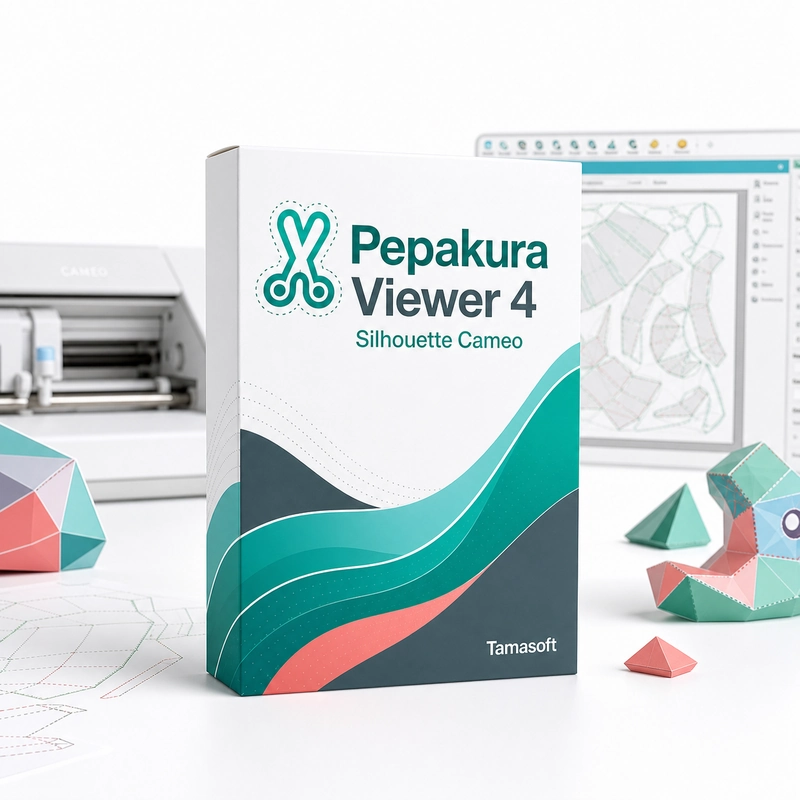
Inspect prepared Pepakura patterns and use the supported Silhouette cutting workflow. Pepakura Viewer 4 for Silhouette CAMEO opens finished Pepakura (.pdo) patterns and exports them as DXF files with registration marks for Silhouette Studio, so a Silhouette CAMEO cutter can cut the parts and score mountain and valley folds. It prints and cuts existing patterns; creating patterns from 3D models needs Pepakura Designer. A prepared design contains both the model view and the unfolded pattern. Reviewing their relationship helps identify individual parts and understand where they belong before cutting or assembly. The specialized Viewer edition connects that inspection workflow to the supported Silhouette output process. The practical task is to take an existing pattern through a compatible print-and-cut setup, checking scale and alignment along the way. This is different from importing an arbitrary 3D model and deciding how to unfold it; that authoring work belongs to Pepakura Designer rather than the Viewer application. Check that your Silhouette model is supported by the Viewer 4 release. Test with a small pattern before a full sheet, and verify printer scaling, registration and driver requirements for the actual setup.
Features
- Opens .pdo papercraft patterns
- DXF export for Silhouette Studio
- Registration marks for print-and-cut
- Cut and fold-score lines
Specs
- Platform
- Windows
- License type
- Retail
- Devices
- 1 PC
- Region restrictions
- Global
- Activation
- Product key
- Duration
- Lifetime
Global means we sell this key without a region lock. The publisher can still restrict use in some countries under its own terms.
Lifetime means the license does not expire. It does not mean the publisher still updates or supports this version — that can end earlier.