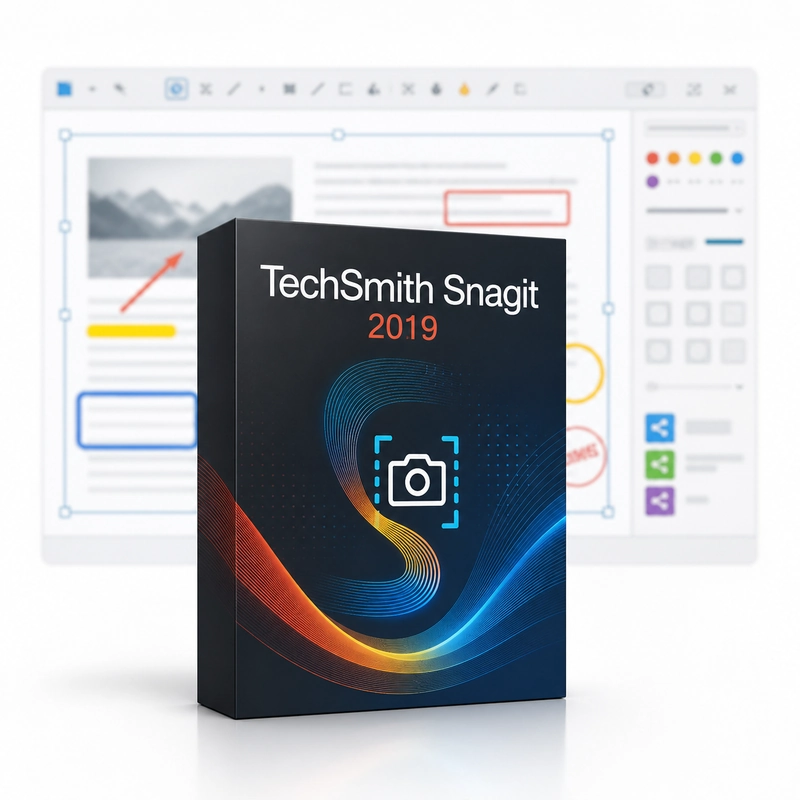
TechSmith Snagit 2019
In stock
Sold by Get it Cheap, LLC · Is this legit?
- Key in your accountDelivered automatically once payment is confirmed.
- Setup guideStep-by-step installation and activation, next to your key.
- Won’t activate?Report it within 14 days and we replace or refund it · Refund Policy
Overview
Create clear visual instructions with screenshots, annotations and short screen recordings. TechSmith Snagit 2019 captures a screen region, window or scrolling page, records screen videos with audio, and annotates captures with arrows, text, callouts, blur and highlights. The 2019 release added a redesigned capture workflow, Combine Images for step-by-step handouts, editable text in screenshots via text recognition, and GIF export options. Choose the screen content that best explains the point, capture it and add only the guidance a reader needs. An arrow can identify a control, a highlight can emphasize a value and a short text annotation can explain the next action. This makes a screenshot useful as an instruction rather than simply a picture of the desktop. For a process involving motion, a short screen recording can show the sequence more clearly than several still images. Snagit is suited to quick explanations, support feedback and everyday documentation where capturing the relevant moment and sharing a clear result are the main goals. Check the operating-system support of Snagit 2019 before installing. Current subscription services and later capture functions are not included. Use the license's matching release, verify activation inside the application and keep editable originals when a capture may need to be revised later.
Features
- Region, window and scrolling capture
- Screen recording with audio
- Arrows, text, callouts and blur
- Combine Images
- Editable text in screenshots
Specs
- Platform
- Cross-platform
- License type
- Retail
- Devices
- 1 Device
- Region restrictions
- Global
- Activation
- Product key
- Duration
- Lifetime
Global means we sell this key without a region lock. The publisher can still restrict use in some countries under its own terms.
Lifetime means the license does not expire. It does not mean the publisher still updates or supports this version — that can end earlier.