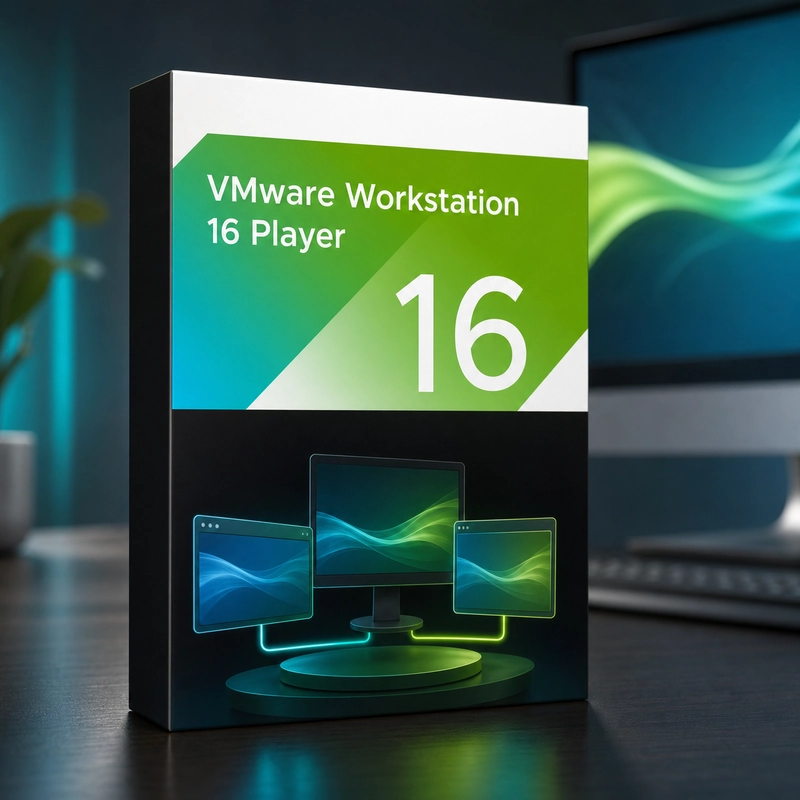
VMware Workstation 16 Player
In stock
Sold by Get it Cheap, LLC · Is this legit?
- Key in your accountDelivered automatically once payment is confirmed.
- Setup guideStep-by-step installation and activation, next to your key.
- Won’t activate?Report it within 14 days and we replace or refund it · Refund Policy
Overview
Run a guest operating system in a local virtual machine for learning, testing or application compatibility. VMware Workstation 16 Player is a desktop virtual-machine application for running guest operating systems on supported Windows or Linux hosts. It provides a local environment for testing software, evaluating an operating system or using an existing virtual machine while keeping its guest installation separate from the host. Use the application to open or prepare a compatible virtual-machine environment, assign practical resources and run the guest alongside the host's regular applications. This is useful for learning another operating system, testing an application or using a prepared environment without dedicating a separate physical computer to it. The virtual machine still depends on the host's memory, processor and storage performance. Its guest operating system needs a compatible architecture and installer, and network settings determine which resources it can reach. Keeping the guest separate helps organize the task, but it should not be treated as an automatic security boundary for arbitrary untrusted material. Player is a separate product from Workstation Pro and does not include every Pro management function. Guest operating-system licences are separate, and this release should be checked against your host operating system before installing.
Features
- Runs one VM at a time
- Windows or Linux host
- Shared folders, drag-and-drop and Unity mode
- Opens VMs created in Workstation Pro or Fusion
- No snapshots or clones (Workstation Pro)
Specs
- Platform
- Windows
- License type
- Retail
- Devices
- 1 PC
- Region restrictions
- Global
- Activation
- Product key
- Duration
- Lifetime
Global means we sell this key without a region lock. The publisher can still restrict use in some countries under its own terms.
Lifetime means the license does not expire. It does not mean the publisher still updates or supports this version — that can end earlier.