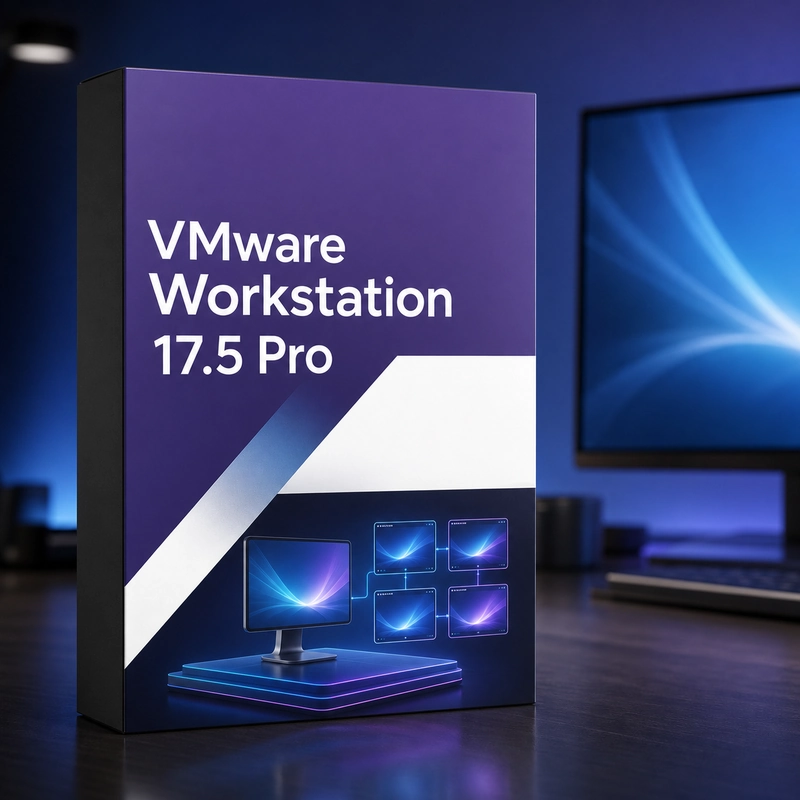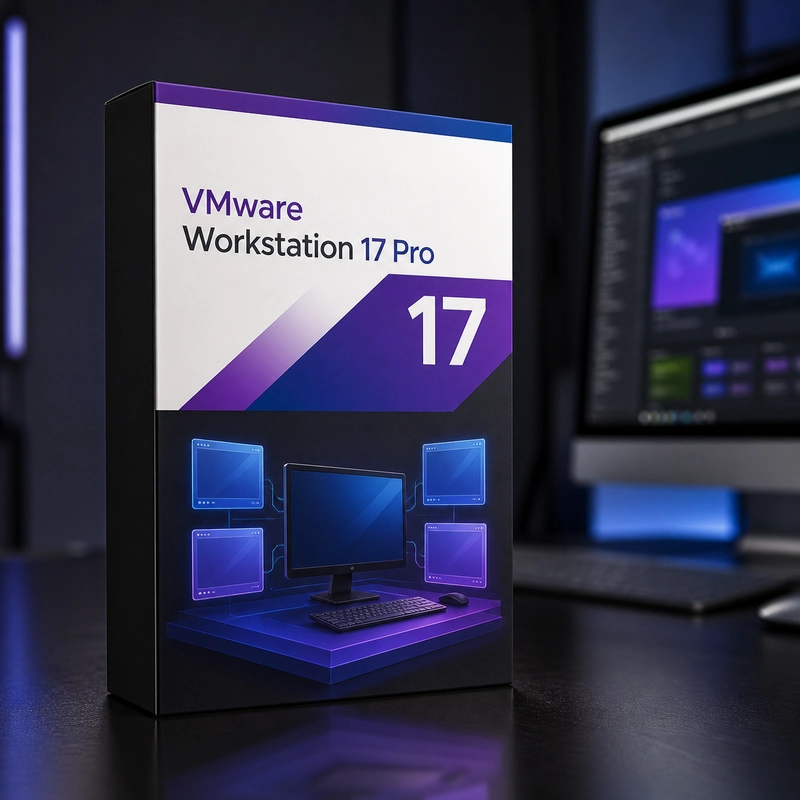
VMware Workstation 17 Pro
In stock
Sold by Get it Cheap, LLC · Is this legit?
- Key in your accountDelivered automatically once payment is confirmed.
- Setup guideStep-by-step installation and activation, next to your key.
- Won’t activate?Report it within 14 days and we replace or refund it · Refund Policy
Overview
Build a local VM lab for software testing, operating-system evaluation and repeatable development work. VMware Workstation 17 Pro is desktop virtualization software for creating and running virtual machines on supported Windows or Linux computers. It lets developers and administrators test guest operating systems and software in separate environments, adjust virtual CPU and memory resources, and use snapshots to return a test machine to an earlier state. Build a virtual machine with a supported guest installer and allocate the compute, memory and storage required for the task. Developers can keep separate environments for different projects, while administrators can rehearse a configuration change before applying it elsewhere. Snapshots provide checkpoints for experiments, allowing a working test state to be revisited after a change. The host remains a Windows or Linux computer running its normal operating system. Guest machines share its physical resources, so the number and size of practical workloads depend on available hardware and what else is running. Virtual networking determines how a guest communicates with the host, other guests and external systems. Workstation Pro is desktop virtualization software, not the bare-metal ESXi server product. Guest operating-system licences are separate. Check that this release supports your host operating system and processor before installing.
Features
- Windows or Linux host
- Several VMs at once
- Snapshots and linked or full clones
- Virtual network editor
- Connect to vSphere and ESXi
- Windows 11 guests with virtual TPM
Specs
- Platform
- Windows
- License type
- Retail
- Devices
- 1 PC
- Region restrictions
- Global
- Activation
- Product key
- Duration
- Lifetime
Global means we sell this key without a region lock. The publisher can still restrict use in some countries under its own terms.
Lifetime means the license does not expire. It does not mean the publisher still updates or supports this version — that can end earlier.