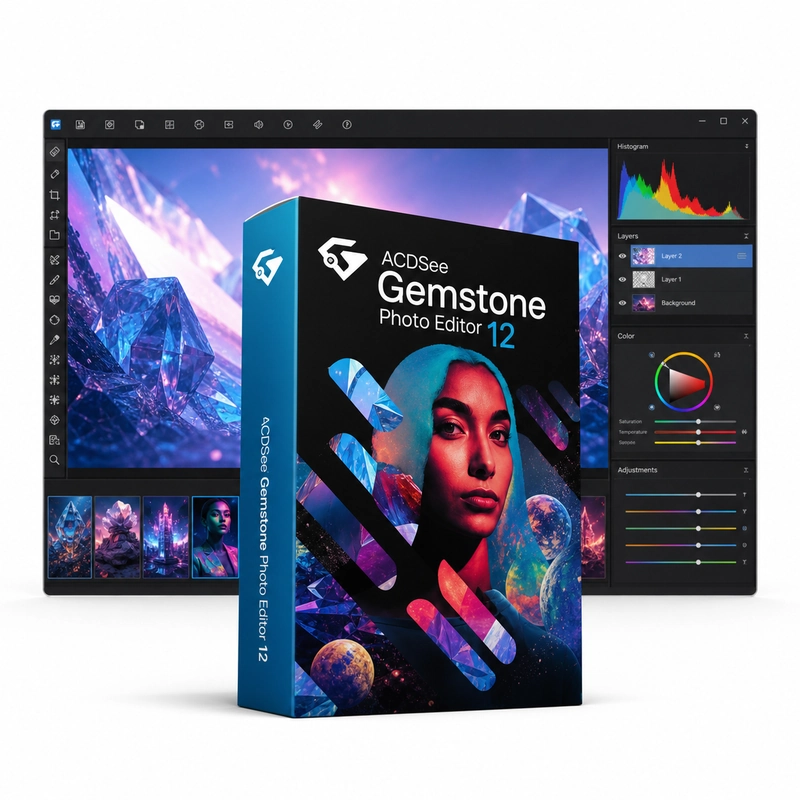
ACDSee Gemstone Photo Editor 12
In stock
Sold by Get it Cheap, LLC · Is this legit?
- Key in your accountDelivered automatically once payment is confirmed.
- Setup guideStep-by-step installation and activation, next to your key.
- Won’t activate?Report it within 14 days and we replace or refund it · Refund Policy
Overview
Suitable for photographers and designers who need control over individual elements of an image. ACDSee Gemstone Photo Editor 12 is a layered photo editor with a multi-document interface, so several images can be open side by side in split view. It combines layers with blend modes, masks, adjustment layers and layer effects, text and shape tools, Liquify and frequency separation with photography tools such as RAW development, HDR, focus stacking and AI subject and background selection, plus Smart Erase, Heal and noise reduction for repairs. Layers let you keep separate parts of a composition apart while developing the image. Masks control which areas are visible, and adjustment tools change the appearance of selected content without forcing every element to receive the same treatment. A photographer can refine a source image, while a designer can combine photographs, text and other graphics into a single composition. Multiple-document work is helpful when several source images contribute to one finished piece. Choose Gemstone primarily for image editing and compositing. Its role differs from a dedicated catalogue-management application used to organise a large archive. For camera files, check the RAW support available in the installed version-12 build. Keep the editable project as well as an exported copy if you expect to revise the composition later.
Features
- Layers, masks, adjustment layers and blend modes
- Multi-document interface with split view
- RAW development, HDR and focus stacking
- AI subject and background selection
- Smart Erase, Heal, Liquify and frequency separation
Specs
- Platform
- Windows
- License type
- Retail
- Devices
- 1 PC
- Region restrictions
- Global
- Activation
- Product key
- Duration
- Lifetime
Global means we sell this key without a region lock. The publisher can still restrict use in some countries under its own terms.
Lifetime means the license does not expire. It does not mean the publisher still updates or supports this version — that can end earlier.