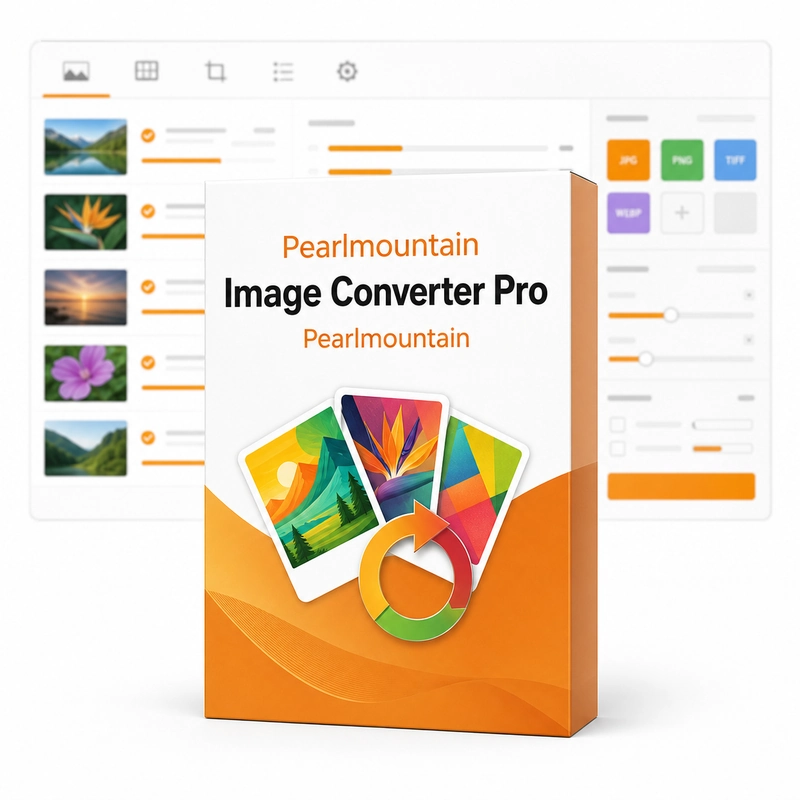
PearlMountain Image Converter Pro
In stock
Sold by Get it Cheap, LLC · Is this legit?
- Key in your accountDelivered automatically once payment is confirmed.
- Setup guideStep-by-step installation and activation, next to your key.
- Won’t activate?Report it within 14 days and we replace or refund it · Refund Policy
Overview
Convert groups of pictures and apply resizing, cropping or rotation in a shared workflow. PearlMountain Image Converter Pro converts a whole folder of images to another format in one run, reading 60+ formats including JPEG, PNG, TIFF, BMP, GIF, PSD, TGA, ICO, PDF and camera RAW, and can resize, crop, rotate and rename images during the batch. Select the source images and decide which operations should be shared across the batch. Conversion changes the file format, while resizing, cropping and rotation affect the image itself. The order and settings of those operations matter: a crop that suits one photograph may remove an important part of another, so a sample check helps establish whether the planned operation is appropriate. Keep the original files and send processed output to a separate location. This makes it possible to revise settings without repeatedly working from an already compressed result. The product is a practical batch utility, not a promise that automatic processing will make individual compositional decisions correctly. Review a range of images before running a large collection, especially when the source pictures have different orientations or proportions.
Features
- Batch conversion of 60+ formats
- Camera RAW and PSD input
- Resize, crop and rotate
- Batch rename
Specs
- Platform
- Windows
- License type
- Retail
- Devices
- 1 PC
- Region restrictions
- Global
- Activation
- Product key
- Duration
- Lifetime
Global means we sell this key without a region lock. The publisher can still restrict use in some countries under its own terms.
Lifetime means the license does not expire. It does not mean the publisher still updates or supports this version — that can end earlier.