Driver Magician
In stock
Sold by Get it Cheap, LLC · Is this legit?
- Key in your accountDelivered automatically once payment is confirmed.
- Setup guideStep-by-step installation and activation, next to your key.
- Won’t activate?Report it within 14 days and we replace or refund it · Refund Policy
Overview
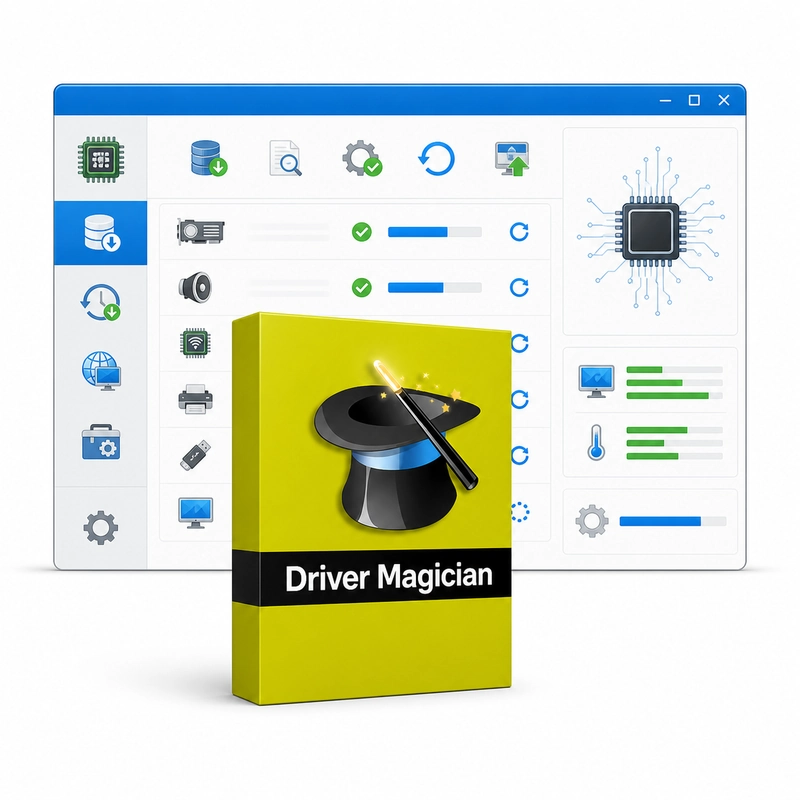
Keep a recoverable copy of device drivers before reinstalling or maintaining Windows. Driver Magician identifies every device in a Windows PC and backs up its drivers, so they can be restored in one click after reinstalling Windows without hunting for the original discs or downloads. Backups can be saved as a folder, a compressed file, a self-extractor or an auto-setup package that restores without Driver Magician installed. It also detects unknown devices, checks for updated drivers and uninstalls drivers. A useful starting point is to inventory the drivers already working with the computer, then save the selected driver files before replacing Windows or changing a storage drive. This creates a reference for restoring hardware support when a network adapter, audio device or other component is not immediately recognized after a reinstall. The backup and restore workflow is particularly useful for maintaining an established PC whose original driver discs are no longer available. Restoring a saved package can reduce the need to search for each component separately, while driver identification helps distinguish the devices that actually need attention. A driver backup complements a system backup; it does not preserve installed applications or personal files. Keep the saved packages on separate storage and check their compatibility with the destination Windows version. Driver selection still depends on the exact hardware, so a working package from one computer should not be assumed suitable for another.
Features
- Driver backup and one-click restore
- Folder, ZIP, self-extractor or auto-setup backup
- Unknown-device detection
- Driver update check
- Driver uninstall
Specs
- Platform
- Windows
- License type
- Retail
- Devices
- 1 PC
- Region restrictions
- Global
- Activation
- Product key
- Duration
- Lifetime
Global means we sell this key without a region lock. The publisher can still restrict use in some countries under its own terms.
Lifetime means the license does not expire. It does not mean the publisher still updates or supports this version — that can end earlier.