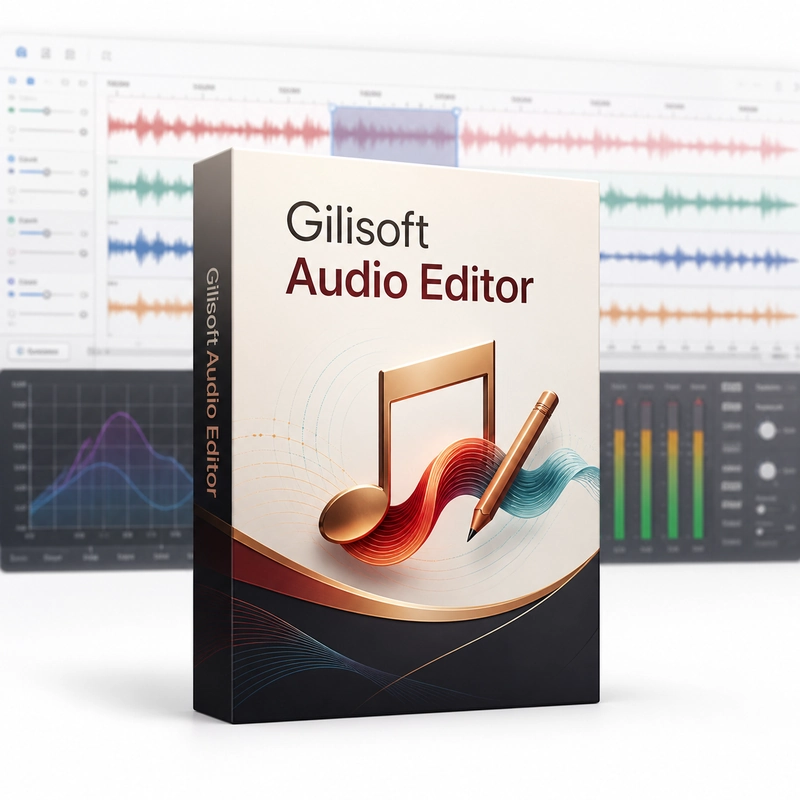
GiliSoft Audio Editor
In stock
Sold by Get it Cheap, LLC · Is this legit?
- Key in your accountDelivered automatically once payment is confirmed.
- Setup guideStep-by-step installation and activation, next to your key.
- Won’t activate?Report it within 14 days and we replace or refund it · Refund Policy
Overview
Trim recordings, arrange sections and refine audio before saving the result. GiliSoft Audio Editor edits audio files on Windows: cut, trim, split, join and mix recordings, change volume, add fade-in and fade-out, echo and other effects, reduce background noise and edit the ID3 tags before saving to a common audio format. Start by listening to the source and identifying the edits that serve the final result. Trimming changes the beginning or end, splitting separates useful sections, and merging brings selected material into a sequence. Editing is most effective when the joins and timing are checked by ear as well as by looking at the waveform or timeline. The finished track can then be saved in a format appropriate to its destination. GiliSoft Audio Editor runs on Windows. Keep an untouched copy of the recording, and check sample rate and channel settings when exporting so that the result matches the intended use.
Features
- Cut, trim, split and join
- Mix tracks
- Volume, fade and echo effects
- Noise reduction
- ID3 tag editing
Specs
- Platform
- Windows
- License type
- Retail
- Devices
- 1 PC
- Region restrictions
- Global
- Activation
- Product key
- Duration
- Lifetime
Global means we sell this key without a region lock. The publisher can still restrict use in some countries under its own terms.
Lifetime means the license does not expire. It does not mean the publisher still updates or supports this version — that can end earlier.