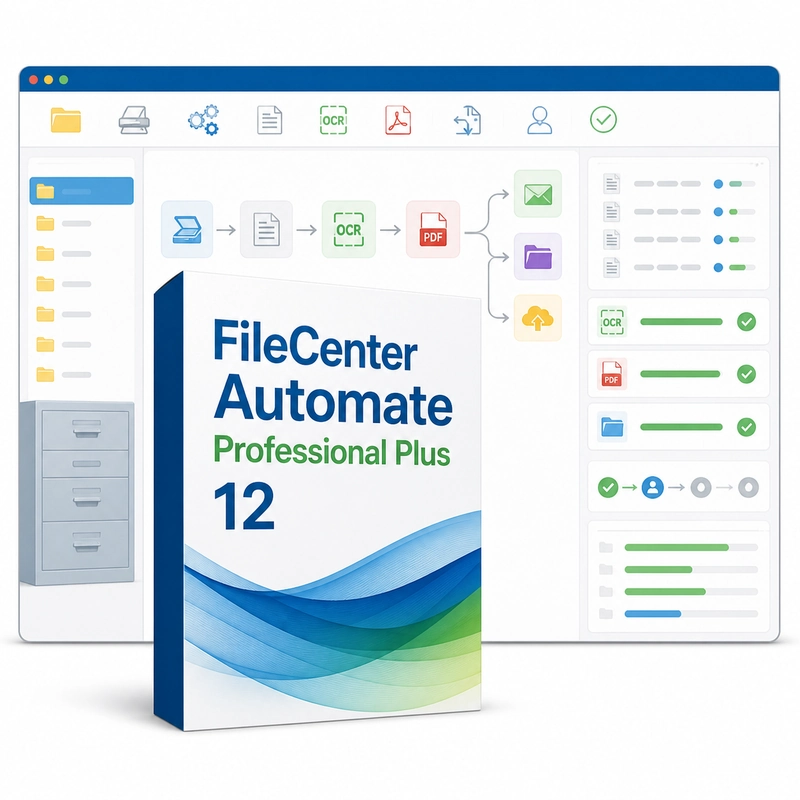
FileCenter Automate Professional Plus 12
In stock
Sold by Get it Cheap, LLC · Is this legit?
- Key in your accountDelivered automatically once payment is confirmed.
- Setup guideStep-by-step installation and activation, next to your key.
- Won’t activate?Report it within 14 days and we replace or refund it · Refund Policy
Overview
Turn incoming scans into searchable files and route them through a repeatable filing workflow. FileCenter Automate Professional Plus 12 turns scanned images and faxes into searchable PDFs without manual work. It watches folders for incoming scans, runs OCR, separates a batch into individual documents, and uses rules and barcodes to name each file from its own text and route it to the right folder. A typical job begins with a folder receiving scans from a network scanner or another source. Automate watches for incoming files, performs the configured conversion and passes the result to the next filing location. This replaces a repetitive sequence of opening each scan, recognizing its text and manually saving it under a new name. Searchable output improves later retrieval, while naming and routing rules can use recognized content to organize similar documents consistently. Batch jobs also help process an existing backlog. The time saved depends on scan quality and how well the rules fit the documents, so representative samples are important when designing the workflow. Automate is the processing component rather than the general FileCenter DMS filing interface or the Receipts expense application. Confirm scanner output, OCR language and folder permissions before enabling unattended processing, and keep originals until the resulting documents have been checked.
Features
- Watched-folder processing
- Batch OCR to searchable PDF
- Automatic document separation
- Rule- and barcode-based naming
- Automatic routing to folders
Specs
- Platform
- Windows
- License type
- Retail
- Devices
- 1 PC
- Region restrictions
- Global
- Activation
- Product key
- Duration
- Lifetime
Global means we sell this key without a region lock. The publisher can still restrict use in some countries under its own terms.
Lifetime means the license does not expire. It does not mean the publisher still updates or supports this version — that can end earlier.