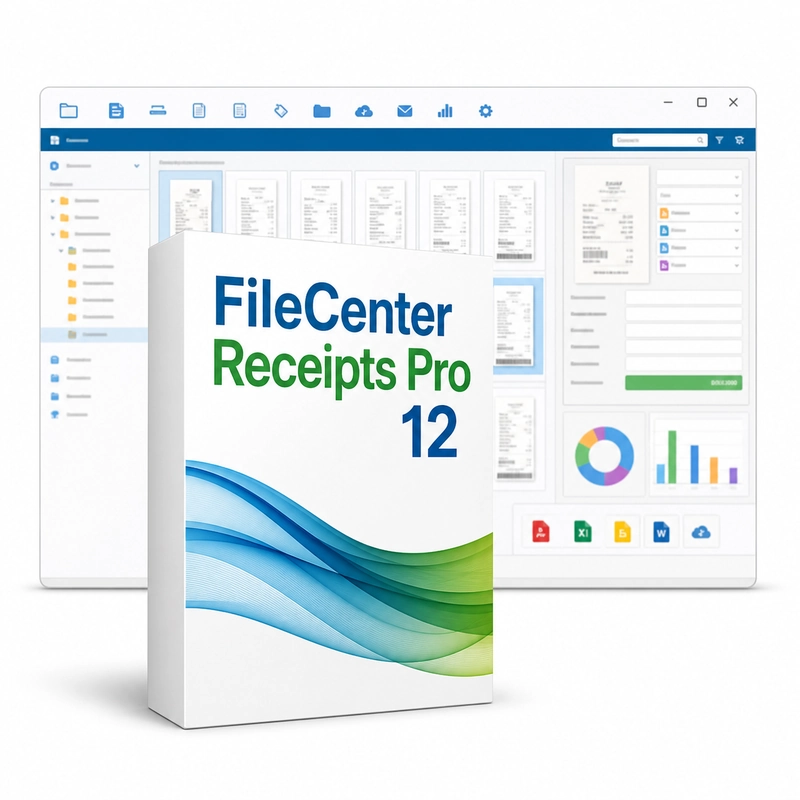
FileCenter Receipts Pro 12
In stock
Sold by Get it Cheap, LLC · Is this legit?
- Key in your accountDelivered automatically once payment is confirmed.
- Setup guideStep-by-step installation and activation, next to your key.
- Won’t activate?Report it within 14 days and we replace or refund it · Refund Policy
Overview
Keep receipts associated with expense information for organized record keeping. FileCenter Receipts Pro 12 turns receipts into structured expense records. Scan paper receipts, upload photos or add digital receipts; OCR picks out the key details, and each receipt can have any number of line items, each categorised separately. Entered receipts can be posted to QuickBooks Online or QuickBooks Desktop. Bring in a receipt from a scan or an existing image, associate it with its vendor, date and amount, and classify the expense. Keeping the source image with the record makes it easier to revisit a charge later instead of relying only on a spreadsheet entry or a fading piece of paper. Categories help separate personal and business spending or group costs by the purpose of a report. Reviewing receipts by date and producing expense reports supports record keeping for reimbursements and bookkeeping. The practical benefit is being able to move from a reported amount back to the document that supports it. Receipts is a focused expense-record application, not the same product as FileCenter DMS or Automate. Check which integrations Pro 12 includes before assuming a connection to an accounting package. Review recognized details for accuracy and keep a backup of both the receipt images and their associated records.
Features
- Scan, photo and digital receipts
- OCR data extraction
- Unlimited categorised line items
- QuickBooks Online and Desktop posting
Specs
- Platform
- Windows
- License type
- Retail
- Devices
- 1 PC
- Region restrictions
- Global
- Activation
- Product key
- Duration
- Lifetime
Global means we sell this key without a region lock. The publisher can still restrict use in some countries under its own terms.
Lifetime means the license does not expire. It does not mean the publisher still updates or supports this version — that can end earlier.