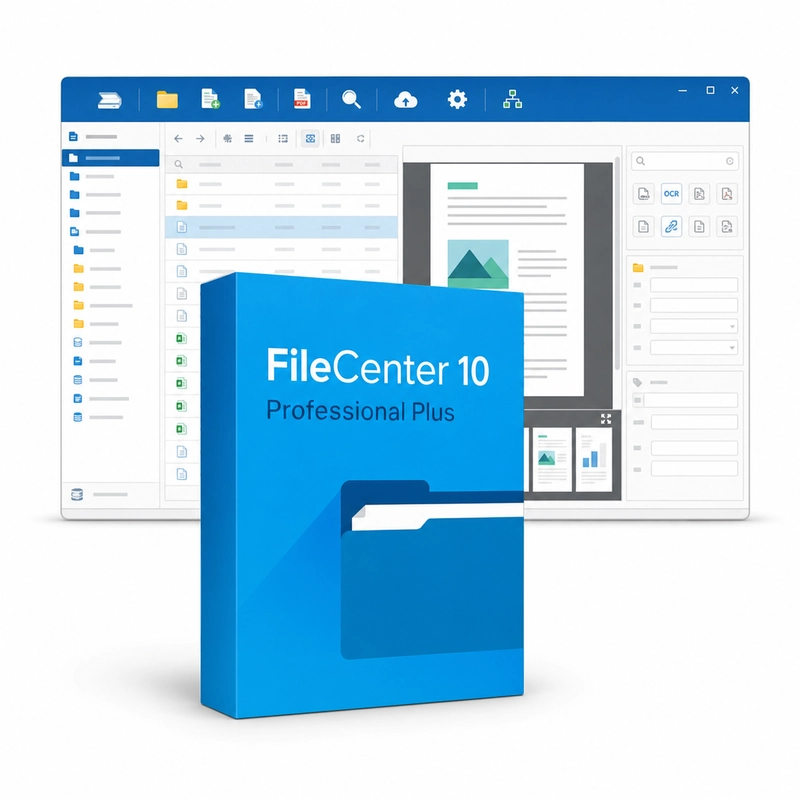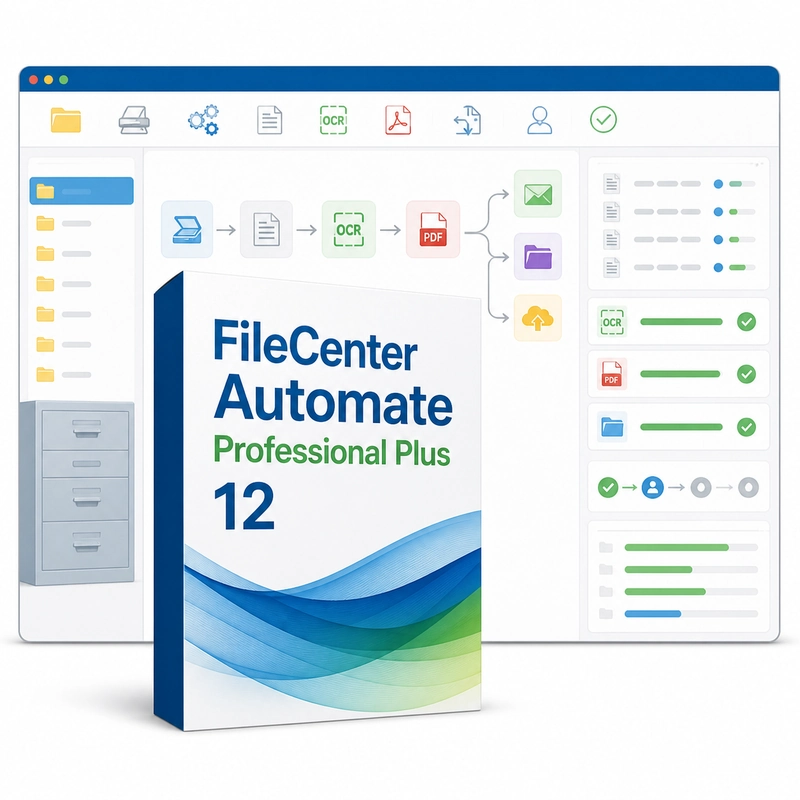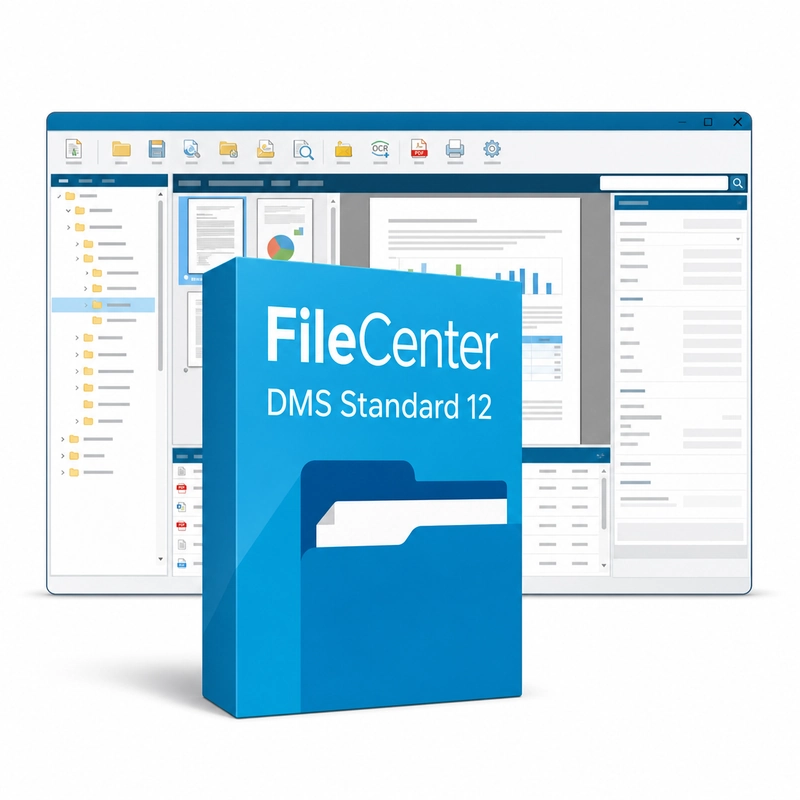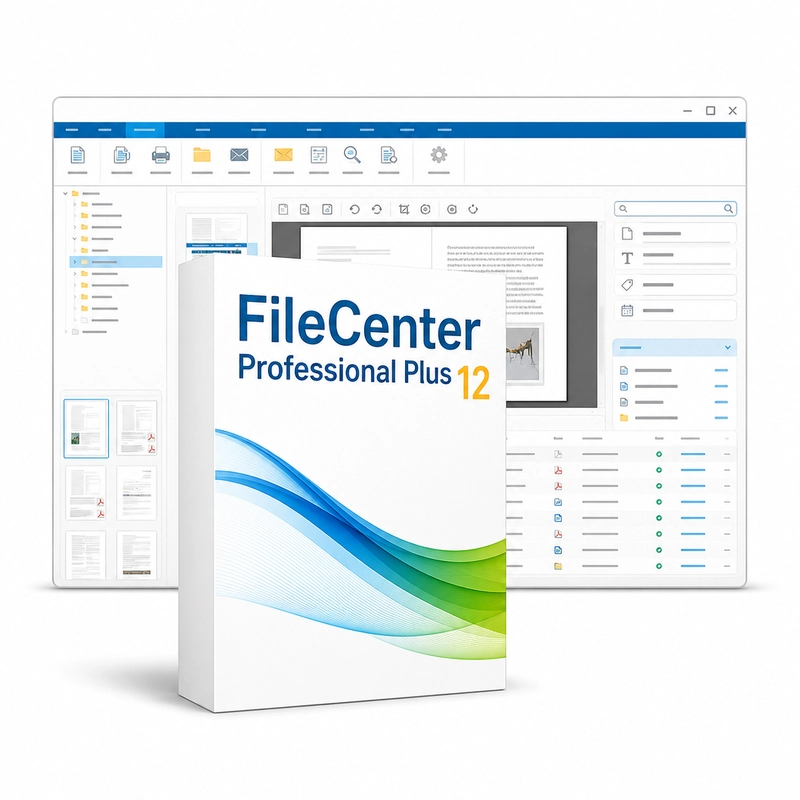
FileCenter Professional Plus 12
In stock
Sold by Get it Cheap, LLC · Is this legit?
- Key in your accountDelivered automatically once payment is confirmed.
- Setup guideStep-by-step installation and activation, next to your key.
- Won’t activate?Report it within 14 days and we replace or refund it · Refund Policy
Overview
Keep scanned paperwork and existing documents organized in a familiar desktop filing workflow. FileCenter Professional Plus 12 is the top FileCenter edition. On top of the cabinet-and-folder filing and scan to searchable PDF, it edits PDF text and images, adds signatures, headers, Bates numbers and redactions, splits and joins files, converts PDFs to Office documents, separates batch scans automatically and names files by rules that can take text from barcodes or the OCR text of the document. Cabinets can be shared over a network. The filing workflow brings existing files and new scans into an organized workspace. Instead of leaving documents scattered across unrelated folders, users can browse a consistent arrangement and move between viewing, filing and common PDF tasks. This is useful for offices that need practical control of everyday paperwork without replacing their entire business process. Scanning turns incoming paper into a digital record, while document browsing helps locate that record later. Clear names and a sensible folder structure remain important: the software provides tools for organization, but those tools work best when the office agrees how documents should be classified and retained. Standard and Professional Plus differ in advanced OCR, naming and PDF functions. Check scanner compatibility, shared-folder access and the exact FileCenter release before building a workflow around a specific advanced function.
Features
- Scan to searchable PDF or Word
- Full PDF editing, redaction and Bates stamping
- Automatic document separation
- Naming rules from barcode or OCR text
- Network-shared cabinets
Specs
- Platform
- Windows
- License type
- Retail
- Devices
- 1 PC
- Region restrictions
- Global
- Activation
- Product key
- Duration
- Lifetime
Global means we sell this key without a region lock. The publisher can still restrict use in some countries under its own terms.
Lifetime means the license does not expire. It does not mean the publisher still updates or supports this version — that can end earlier.