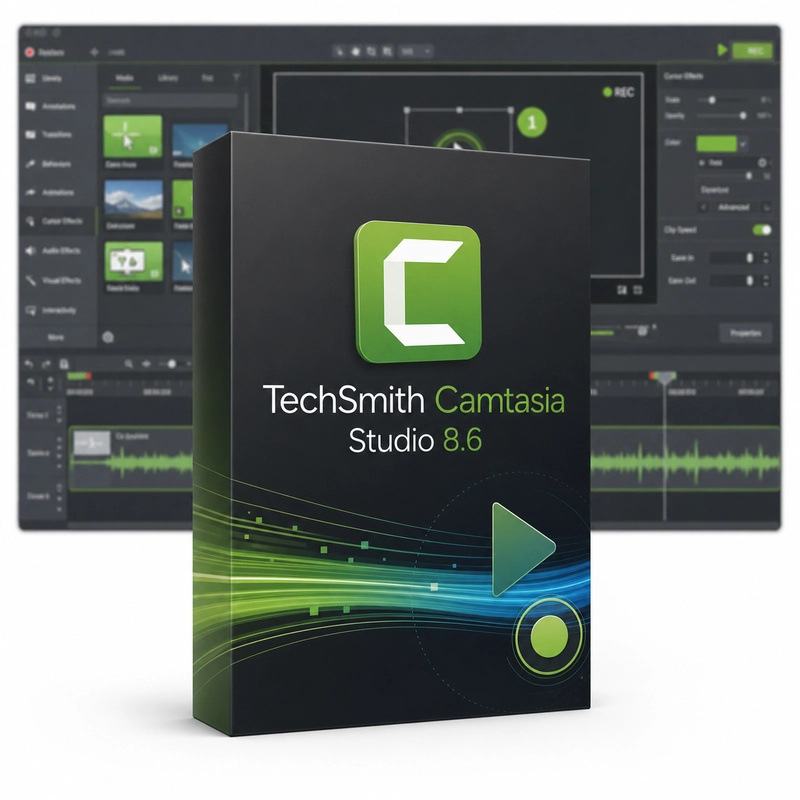
TechSmith Camtasia Studio 8.6
In stock
Sold by Get it Cheap, LLC · Is this legit?
- Key in your accountDelivered automatically once payment is confirmed.
- Setup guideStep-by-step installation and activation, next to your key.
- Won’t activate?Report it within 14 days and we replace or refund it · Refund Policy
Overview
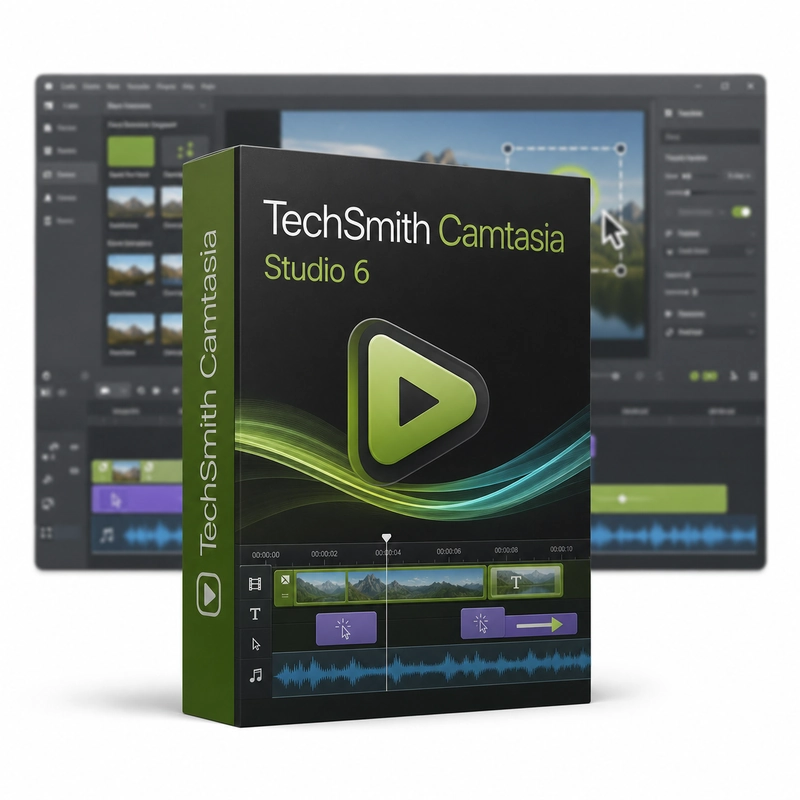
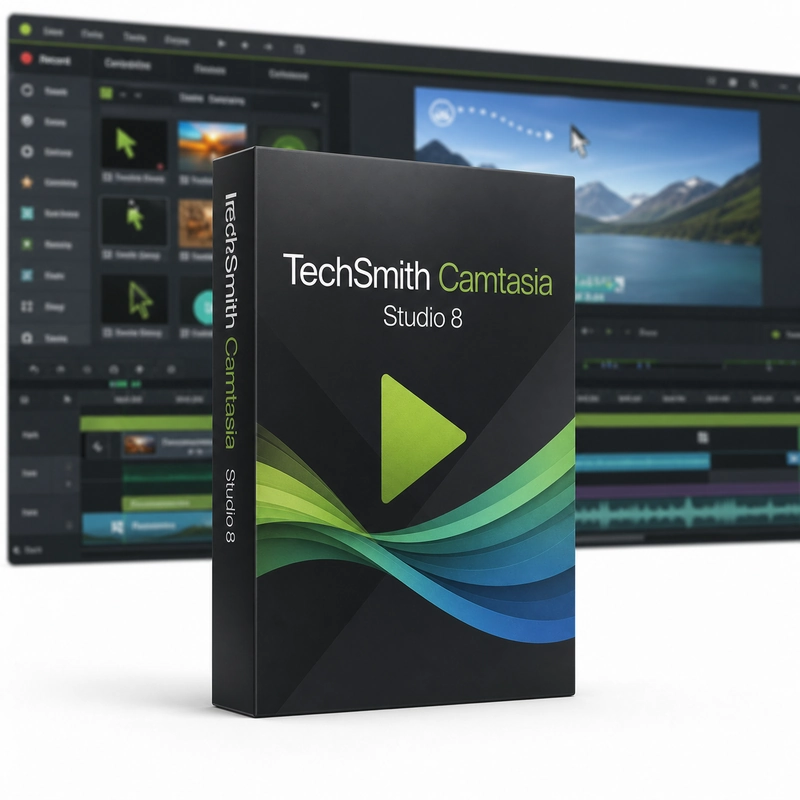
Record a software demonstration and edit it into a narrated tutorial. TechSmith Camtasia Studio 8.6 records the Windows screen, webcam and narration and edits them on a multi-track timeline. It adds zoom-and-pan, callouts, animations, themes, transitions and quizzes, applies an effect to a group of clips at once, imports MP4, WMV, MOV, images and audio, and produces MP4 video for sharing. The workflow begins with a focused recording of the screen and the explanation that accompanies it. In the editor, remove unnecessary pauses, arrange the useful material and add visual guidance where the viewer needs help following an action. The result is a deliberately paced lesson rather than an unedited record of everything that happened. This is useful for software tutorials, product demonstrations and internal training. A short test recording helps establish readable text and clear narration before capturing a longer session. Keeping the original media with the editing project makes later corrections easier when a step or explanation needs to change. Camtasia Studio 8.6 is a legacy desktop release; the AI features, online services and recording architecture of the current Camtasia are not part of it. Check compatible source formats and production settings for this version. The software provides recording and editing tools, while separate assets and third-party media remain subject to their own permissions.
Features
- Screen, webcam and narration recording
- Multi-track timeline
- Zoom-and-pan and callouts
- Quizzes
- Group edits across clips
Specs
- Platform
- Windows
- License type
- Retail
- Devices
- 1 PC
- Region restrictions
- Global
- Activation
- Product key
- Duration
- Lifetime
Global means we sell this key without a region lock. The publisher can still restrict use in some countries under its own terms.
Lifetime means the license does not expire. It does not mean the publisher still updates or supports this version — that can end earlier.