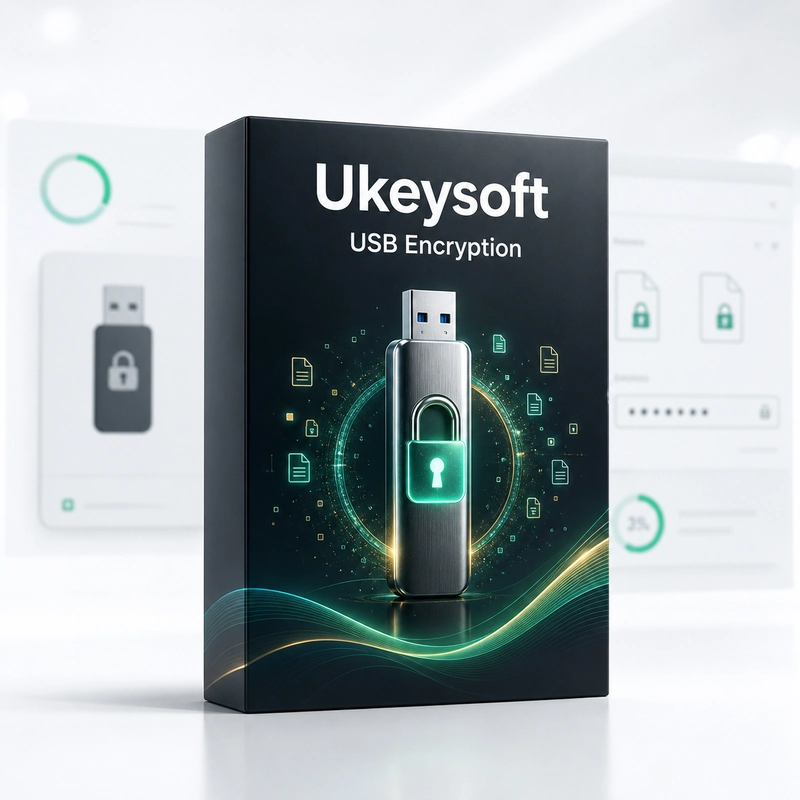
UkeySoft USB Encryption
In stock
Sold by Get it Cheap, LLC · Is this legit?
- Key in your accountDelivered automatically once payment is confirmed.
- Setup guideStep-by-step installation and activation, next to your key.
- Won’t activate?Report it within 14 days and we replace or refund it · Refund Policy
Overview
Keep private files in a password-protected area of a USB drive. UkeySoft USB Encryption splits a USB flash drive, memory card or external drive into a password-protected secure area and a public area, with sizes you can adjust. Files in the secure area are encrypted on the fly with 256-bit AES. Choose a suitable removable drive and configure the area that should hold private files. Keeping that area separate from the openly accessible portion can make a shared-use drive easier to manage: ordinary files remain available while selected material requires the appropriate access workflow. This is useful when carrying documents or other sensitive data between compatible computers. Before relying on the setup, copy a small test file into the protected area and verify that it can be accessed and closed correctly on the destination machine. The intended receiving environment matters as much as the computer used to prepare the drive. Back up existing USB contents before changing the protection layout, and keep the password securely available to authorized users. A protected drive can still be damaged or lost, so encryption is not a replacement for another copy. Confirm supported file systems and Windows compatibility rather than assuming the protected area behaves identically on every device.
Features
- Secure and public areas
- 256-bit AES on-the-fly encryption
- Adjustable area sizes
- USB sticks, SD cards and external drives
Specs
- Platform
- Windows
- License type
- Retail
- Devices
- 1 PC
- Region restrictions
- Global
- Activation
- Product key
- Duration
- Lifetime
Global means we sell this key without a region lock. The publisher can still restrict use in some countries under its own terms.
Lifetime means the license does not expire. It does not mean the publisher still updates or supports this version — that can end earlier.