EmEditor Professional 13.6
In stock
Sold by Get it Cheap, LLC · Is this legit?
- Key in your accountDelivered automatically once payment is confirmed.
- Setup guideStep-by-step installation and activation, next to your key.
- Won’t activate?Report it within 14 days and we replace or refund it · Refund Policy
Overview
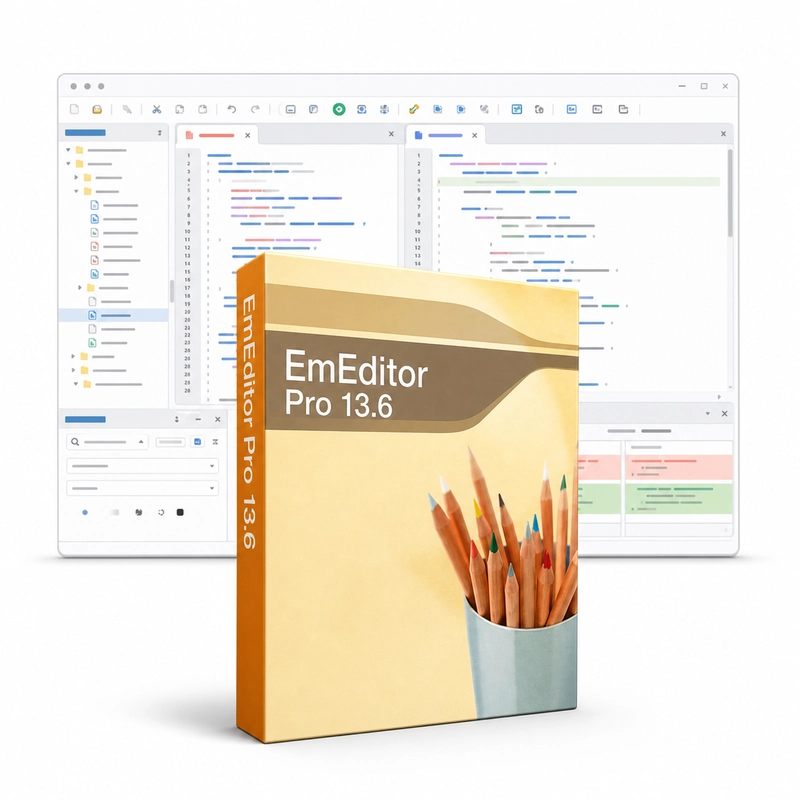
Edit source files and large text datasets with tools for navigation, search and text manipulation. EmEditor Professional 13.6 is a Windows text editor built for very large files. It opens huge log files and data sets quickly, has a CSV mode that shows delimited data in columns, supports regular-expression search and replace across files, syntax highlighting, Unicode and many encodings, and JavaScript or VBScript macros. The text-first workflow is useful for editing scripts, inspecting log output or cleaning a structured text file before it is imported elsewhere. Search and replacement let you make consistent changes, while syntax highlighting provides visual guidance when working with source code. Unicode handling matters when a file includes several writing systems or must retain a particular encoding. Large-file handling helps with material that is inconvenient to inspect in a basic editor. The practical process is to locate the relevant section, make a controlled change and verify the result, rather than manually scrolling through the entire file or opening it in a word processor. This is an editor for plain-text content, not a spreadsheet calculation engine or a document-layout program. Preserve the original encoding and line endings when another application depends on them. Version 13.6 should be assessed on its own supported capabilities; current EmEditor features do not automatically belong to this older release.
Features
- Opens very large files
- CSV mode with columns
- Regex search and replace in files
- Syntax highlighting and Unicode
- JavaScript/VBScript macros
Specs
- Platform
- Windows
- License type
- Retail
- Devices
- 1 PC
- Region restrictions
- Global
- Activation
- Product key
- Duration
- Lifetime
Global means we sell this key without a region lock. The publisher can still restrict use in some countries under its own terms.
Lifetime means the license does not expire. It does not mean the publisher still updates or supports this version — that can end earlier.